Use semla::RegionNeighbors() to identify neighboring spots for selected
metadata labels and write the returned columns to Seurat metadata.
SCOP provides no dedicated plot for this result; retrieve its schema record
with GetSpatialResult() and inspect the recorded metadata columns.
Usage
RunSemlaRegionNeighbors(
  srt,
  column_name,
  column_labels = NULL,
  mode = "outer",
  column_key = NULL,
  image_type = "tissue_lowres",
  verbose = TRUE,
  ...
)
Arguments
- srt
A
Seuratobject with spatial image data.- column_name
Metadata column containing labels.
- column_labels
Labels to find neighbors for. If
NULL, semla uses all labels incolumn_name.- mode
Neighbor selection mode passed to semla.
- column_key
Prefix for metadata columns returned by semla.
- image_type
Image scale used by
semla::UpdateSeuratForSemla()when the object does not already contain a Staffli object.- verbose
Whether to print the message. Default is
TRUE.- ...
Additional arguments passed to semla.
Examples
data(visium_human_pancreas_sub)
spatial <- visium_human_pancreas_sub
spatial$region <- ifelse(
spatial$x > stats::median(spatial$x),
"right",
"left"
)
spatial$right_border <- spatial$region == "right" &
abs(spatial$x - stats::median(spatial$x)) < stats::sd(spatial$x) * 0.25
SpatialSpotPlot(
spatial,
group.by = c("region", "right_border"),
overlay_image = FALSE,
coord.cols = c("x", "y")
)
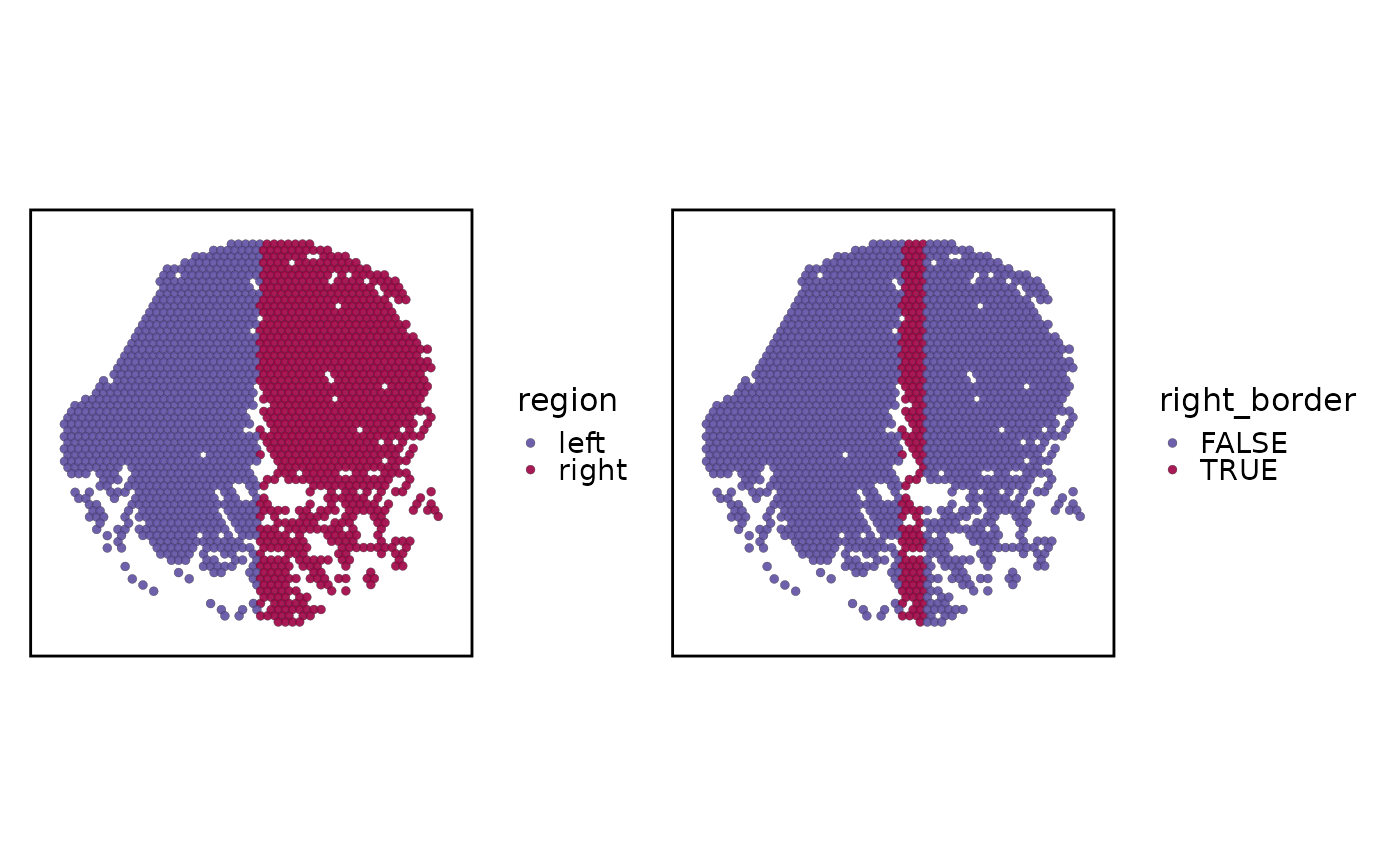 spatial <- RunSemlaRegionNeighbors(
spatial,
column_name = "region",
column_labels = "right",
mode = "outer",
column_key = "right_border",
verbose = FALSE
)
#> ℹ Found VisiumV2 object(s).
#>
#> ── Collecting data from @images slot
#> ! Array coordinates are not available for non-VisiumHD datasets. Please consider using semla's own functions to load the data. See '?ReadVisiumData()'
#> Warning: 2 spots had 0 neighbors.
spatial <- RunSemlaRegionNeighbors(
spatial,
column_name = "region",
column_labels = "right",
mode = "outer",
column_key = "right_border",
verbose = FALSE
)
#> ℹ Found VisiumV2 object(s).
#>
#> ── Collecting data from @images slot
#> ! Array coordinates are not available for non-VisiumHD datasets. Please consider using semla's own functions to load the data. See '?ReadVisiumData()'
#> Warning: 2 spots had 0 neighbors.