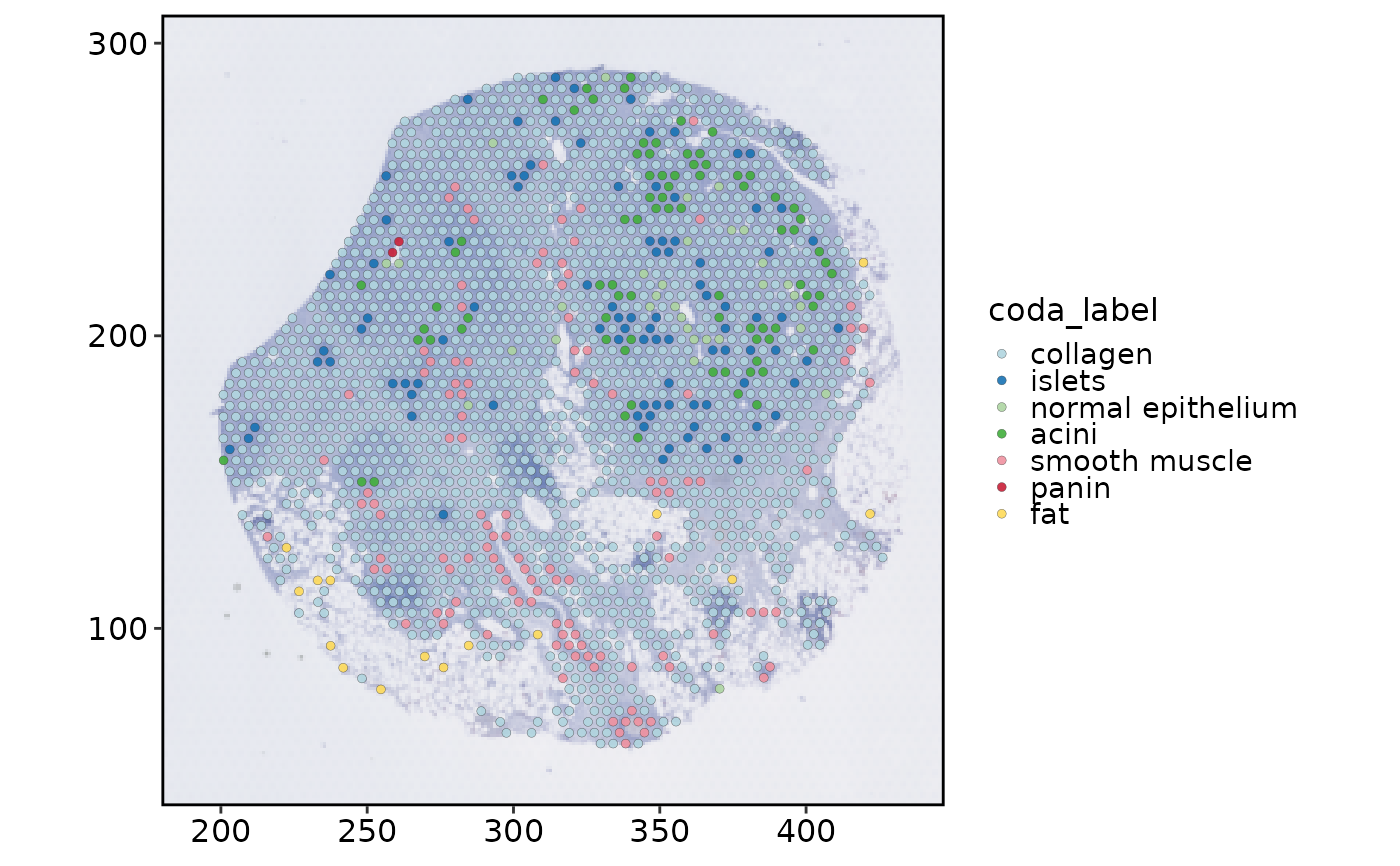
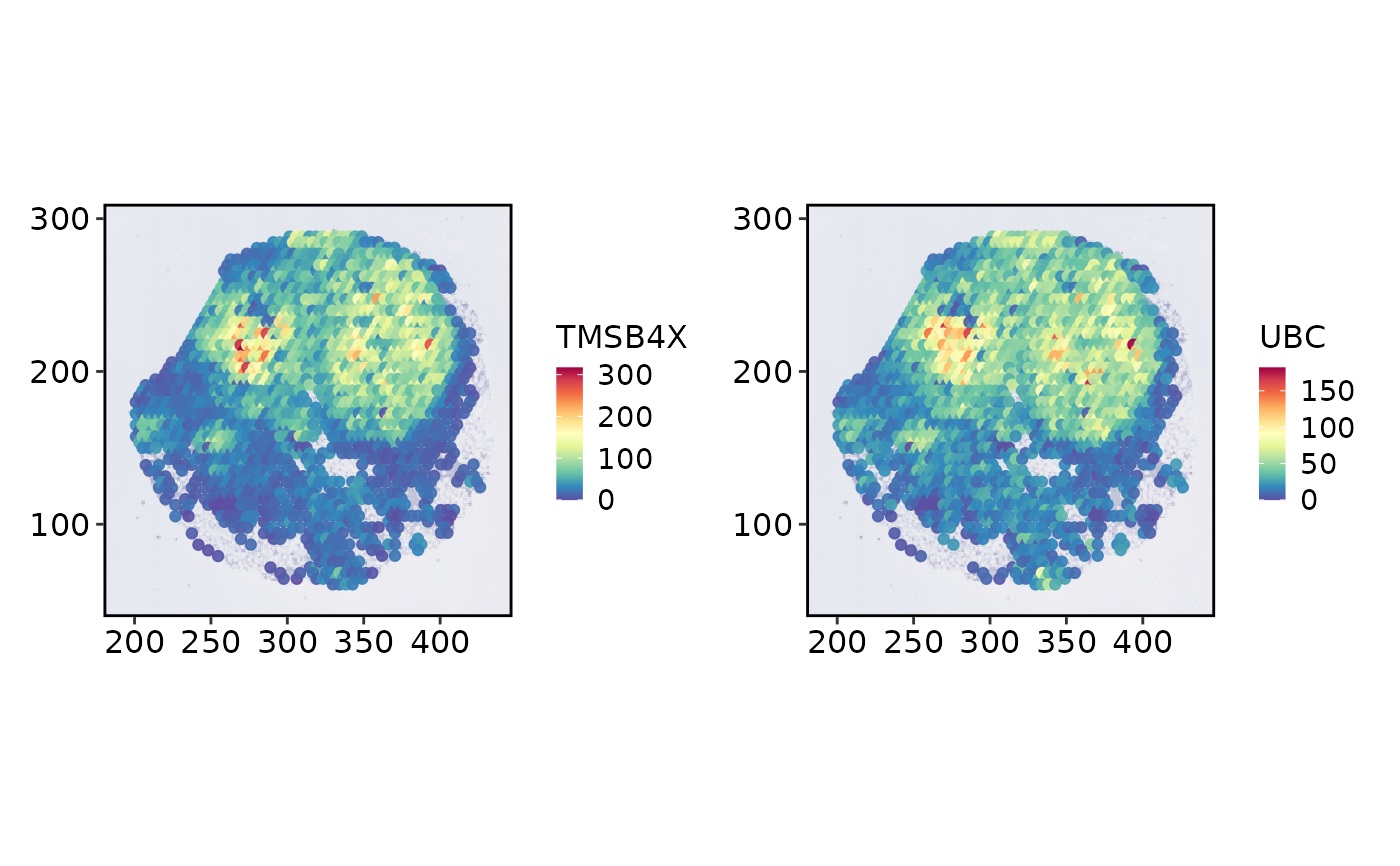
Spatial spot plot
Usage
SpatialSpotPlot(
  object = NULL,
  group.by = NULL,
  features = NULL,
  assay = NULL,
  layer = "data",
  values = NULL,
  plot_type = c("point", "pie"),
  plot.data = NULL,
  spot.by = NULL,
  color.by = NULL,
  geom = c("point", "jitter"),
  image = NULL,
  overlay_image = TRUE,
  image.alpha = 1,
  crop = TRUE,
  coord.cols = c("col", "row"),
  flip.y = FALSE,
  show_axes = FALSE,
  split.by = NULL,
  cells = NULL,
  show_na = FALSE,
  pt.size = NULL,
  pie.radius = NULL,
  pie.radius.scale = 0.45,
  pt.alpha = 0.9,
  stroke = 0.1,
  jitter_width = 0.25,
  jitter_height = 0.25,
  palette = "Spectral",
  palcolor = NULL,
  bg_color = "grey20",
  lower_quantile = 0,
  upper_quantile = 0.99,
  lower_cutoff = NULL,
  upper_cutoff = NULL,
  legend.position = "right",
  legend.direction = "vertical",
  legend.title = NULL,
  theme_use = "theme_spatial",
  theme_args = list(),
  combine = TRUE,
  nrow = NULL,
  ncol = NULL,
  byrow = TRUE,
  verbose = TRUE,
  srt = NULL,
  image.scale = c("lowres", "hires")
)
Arguments
- object
A
Seuratobject.- group.by
Metadata columns to color spots by.
- features
Features to color spots by (from
assay/layer).- assay
Assay to use.
NULLuses the default assay.- layer
Assay layer to use.
- values
Spot-level values (named vector, matrix, or data.frame).
- plot_type
"point"or"pie". Pie uses numericgroup.bycolumns,values, or"<prefix>_prop_*"/"<prefix>_frac_*"whengroup.byis"<prefix>_dominant_type".- plot.data, spot.by, color.by
Long-format data for repeated spatial points (e.g. cell-to-spot assignments).
- geom
"point"or"jitter"forplot.data.- image
Spatial image name. Required when multiple images are present; a single image is selected automatically when
NULL.- overlay_image, image.alpha
Draw the spatial image beneath spots.
- crop
Crop the panel to plotted spots.
- coord.cols
Metadata coordinate columns used when no image is available.
- flip.y
Reverse the y axis for metadata or FOV coordinates without a raster image. The default
FALSEagrees with spatial networks and cell boundaries. Raster-backed display coordinates already include their flip.- show_axes
Keep axis text, ticks, and grid when
theme_useis"theme_spatial".- split.by
Metadata column to facet by.
- cells
Cell names to include.
- show_na
If
TRUE, colorNAgroups withbg_color; ifFALSE, drop them.- pt.size, pt.alpha
Point size and transparency.
pt.size = NULLscales withsqrt(n)(minimum0.3). Rasterized points keep at least a two-pixel radius atraster.dpi = c(512, 512)and scale withraster.dpi.- pie.radius, pie.radius.scale
Pie radius.
NULLestimates from spot spacing, then multiplies bypie.radius.scale.- stroke
Point border width.
- jitter_width, jitter_height
Jitter when
geom = "jitter".- palette, palcolor
Palette name (thisplot::show_palettes) or custom colors.
- bg_color
Point border color.
- lower_quantile, upper_quantile, lower_cutoff, upper_cutoff
Limits for continuous feature scales. Non-
NULLcutoffs take precedence over the quantiles.- legend.position, legend.direction, legend.title
Legend placement (
"none","left","right","bottom","top"), direction, and title.legend.title = NULLuses the group name.- theme_use
Theme name or function.
- theme_args
Theme name or function, plus extra theme arguments.
- combine, nrow, ncol, byrow
Combine plots with patchwork.
combine = FALSEreturns a list of ggplots.- verbose
Whether to print messages.
- srt
Deprecated alias for
object; supply exactly one of the two. It will be removed in scop 1.0.0.- image.scale
Image scale factor matching the raster stored in the selected image. Use
"hires"for a hires raster; do not modify Seurat scale-factor slots.
Details
Factor levels retain their order, including after selecting cells.
Named palcolor vectors map category names to colors; unnamed colors follow
factor order. Missing values remain distinct from a category named "NA".
Long-format point/jitter plots honor cutoff and quantile controls and return
a named one-element list when combine = FALSE. Their default continuous
range remains the full data range; an explicitly supplied upper_quantile
overrides that default.