Color cells on a dimensionality reduction by feature values (assay genes or numeric metadata).
Usage
FeatureDimPlot(
  object,
  features,
  reduction = NULL,
  dims = c(1, 2),
  split.by = NULL,
  cells = NULL,
  layer = "data",
  assay = NULL,
  show_stat = ifelse(identical(theme_use, "theme_blank"), FALSE, TRUE),
  palette = ifelse(isTRUE(compare_features), "Set1", "Spectral"),
  palcolor = NULL,
  pt.size = NULL,
  pt.alpha = 1,
  bg_cutoff = 0,
  bg_color = "grey80",
  keep_scale = "feature",
  lower_quantile = 0,
  upper_quantile = 0.99,
  lower_cutoff = NULL,
  upper_cutoff = NULL,
  add_density = FALSE,
  density_color = "grey80",
  density_filled = FALSE,
  density_filled_palette = "Greys",
  density_filled_palcolor = NULL,
  cells.highlight = NULL,
  cols.highlight = "black",
  sizes.highlight = 1,
  alpha.highlight = 1,
  stroke.highlight = 0.5,
  calculate_coexp = FALSE,
  compare_features = FALSE,
  color_blend_mode = c("blend", "average", "screen", "multiply"),
  label = FALSE,
  label.size = 4,
  label.fg = "white",
  label.bg = "black",
  label.bg.r = 0.1,
  label_insitu = TRUE,
  label_repel = FALSE,
  label_repulsion = 20,
  label_point_size = 1,
  label_point_color = "black",
  label_segment_color = "black",
  lineages = NULL,
  lineages_trim = c(0.01, 0.99),
  lineages_span = 0.75,
  lineages_palette = "Dark2",
  lineages_palcolor = NULL,
  lineages_arrow = grid::arrow(length = grid::unit(0.1, "inches")),
  lineages_linewidth = 1,
  lineages_line_bg = "white",
  lineages_line_bg_stroke = 0.5,
  lineages_whiskers = FALSE,
  lineages_whiskers_linewidth = 0.5,
  lineages_whiskers_alpha = 0.5,
  graph = NULL,
  edge_size = c(0.05, 0.5),
  edge_alpha = 0.1,
  edge_color = "grey40",
  hex = FALSE,
  hex.linewidth = 0.5,
  hex.color = "grey90",
  hex.bins = 50,
  hex.binwidth = NULL,
  raster = NULL,
  raster.dpi = c(512, 512),
  aspect.ratio = 1,
  title = NULL,
  subtitle = NULL,
  xlab = NULL,
  ylab = NULL,
  legend.position = "right",
  legend.direction = "vertical",
  legend.title = NULL,
  theme_use = "theme_scop",
  theme_args = list(),
  combine = TRUE,
  nrow = NULL,
  ncol = NULL,
  byrow = TRUE,
  force = FALSE,
  seed = 11,
  verbose = TRUE,
  srt = NULL,
  title.face = NULL,
  title.color = NULL
)
Arguments
- object
A
Seuratobject.- features
Features to plot: a character vector or a named list of assay gene names or numeric metadata columns.
- reduction
Dimensionality reduction to use.
NULLuses DefaultReduction.- dims
Length-2 vector of dimensions to plot.
- split.by
Metadata column to split the analysis or plot by.
- cells
Cell names to include.
- layer
Assay layer to use.
- assay
Assay to use.
NULLuses the default assay.- show_stat
Show cell-count statistics on the plot.
- palette
Color palette name.
- palcolor
Custom colors used to create a color palette.
- pt.size
Point size and transparency.
pt.size = NULLscales withsqrt(n)(minimum0.3). Rasterized points keep at least a two-pixel radius atraster.dpi = c(512, 512)and scale withraster.dpi.- pt.alpha
Point size and transparency.
pt.size = NULLscales withsqrt(n)(minimum0.3). Rasterized points keep at least a two-pixel radius atraster.dpi = c(512, 512)and scale withraster.dpi.- bg_cutoff
Values below this cutoff are colored with
bg_color.- bg_color
Color for background /
NApoints.- keep_scale
Color scale across panels:
NULL: each panel is scaled independently (not comparable)."feature": scale each feature acrosssplit.bypanels."all": one scale for every feature and panel.
- lower_quantile, upper_quantile, lower_cutoff, upper_cutoff
Per-feature quantile or absolute cutoffs for the color scale.
- add_density, density_color, density_filled, density_filled_palette, density_filled_palcolor
Density contours;
density_filleddraws filled bands.- cells.highlight
Cells to highlight and their appearance.
TRUEhighlights all cells.- cols.highlight
Cells to highlight and their appearance.
TRUEhighlights all cells.- sizes.highlight
Cells to highlight and their appearance.
TRUEhighlights all cells.- alpha.highlight, stroke.highlight
Transparency and stroke width of the highlighted points.
- calculate_coexp
Plot the geometric mean of the features.
- compare_features
Show multiple features on one plot.
- color_blend_mode
Blend mode when
compare_features = TRUE.- label
Label high-expressing cells.
- label.size
Group labels.
label_insitu = FALSEuses numbers instead of group names.- label.fg
Group labels.
label_insitu = FALSEuses numbers instead of group names.- label.bg
Group labels.
label_insitu = FALSEuses numbers instead of group names.- label.bg.r
Group labels.
label_insitu = FALSEuses numbers instead of group names.- label_insitu
Use feature names instead of numbers when
compare_features = TRUE.- label_repel, label_repulsion, label_point_size, label_point_color, label_segment_color
Repel labels away from cluster centers.
- lineages
Pseudotime columns to use. If
NULL, lineage-like pseudotime columns such asLineage1,Lineage2,prefix_Lineage1, orpseudotimeare detected and merged into one global pseudotime for a single panel. Use"all"to plot each detected lineage in separate panels.- lineages_trim, lineages_span, lineages_palcolor, lineages_arrow, lineages_linewidth, lineages_line_bg, lineages_line_bg_stroke, lineages_whiskers, lineages_whiskers_linewidth, lineages_whiskers_alpha
Pseudotime lineages as stats::loess curves. See grid::arrow for
lineages_arrow.- lineages_palette
Color palette used for lineage groups.
- graph
Neighbor-graph edges.
- edge_size, edge_alpha, edge_color
Neighbor-graph edges.
- hex
Whether to use hexagonal binning for 2D assignments.
- hex.linewidth
Line width of six-point hexagons.
- hex.color
Border color of hexagonal bins.
- hex.bins
Number of hexagonal bins.
- hex.binwidth
Width of hexagonal bins.
- raster, raster.dpi
Rasterize points.
raster = NULLrasterizes when there are more than 100,000 cells.- aspect.ratio
Panel aspect ratio.
- title
Plot title.
NULLhides the title for merged/single panels. When multiple lineages are plotted andtitleisNULL, each panel is titled with its lineage column.- subtitle
Plot subtitle.
- xlab
Plot labels.
- ylab
Plot labels.
- legend.position
Legend placement (
"none","left","right","bottom","top"), direction, and title.legend.title = NULLuses the group name.- legend.direction
Legend direction:
"horizontal"or"vertical".- legend.title
Title of the legend.
NULLuses the group name.- theme_use
Theme name or function.
- theme_args
Theme name or function, plus extra theme arguments.
- combine
Combine plots with patchwork.
combine = FALSEreturns a list of ggplots.- nrow
Combine plots with patchwork.
combine = FALSEreturns a list of ggplots.- ncol
Number of columns of the combined plot.
- byrow
Whether to fill matrices/plots by row.
- force
Draw even when more than 100 features are requested.
- seed
Random seed.
- verbose
Whether to print messages.
- srt
Deprecated alias for
object; supply exactly one of the two. It will be removed in scop 1.0.0.- title.face
Font face of individual feature headings.
NULL(default) uses italic for assay genes and plain for numeric metadata or embeddings. Set to"plain","bold","italic", or"bold.italic"to override.- title.color
Color of individual feature headings:
NULLinherits the theme, an unnamed color applies to every feature, or a named color vector maps feature names to colors. Unspecified features inherit the theme. Names refer to features, not group names or panel order. These heading options do not affect the customtitle, split labels, expression palette, or blended panels (compare_features = TRUE).
Examples
data(pancreas_sub)
pancreas_sub <- RunStandardWorkflow(pancreas_sub)
#> ℹ [2026-10-11 22:50:42] Start standard processing workflow...
#> ℹ [2026-10-11 22:50:42] Checking a list of <Seurat>...
#> ! [2026-10-11 22:50:42] Data 1/1 of the `srt_list` is "unknown"
#> ℹ [2026-10-11 22:50:42] Perform `NormalizeData()` with `normalization.method = 'LogNormalize'` on 1/1 of `srt_list`...
#> ℹ [2026-10-11 22:50:42] Perform `FindVariableFeatures()` on 1/1 of `srt_list`...
#> ℹ [2026-10-11 22:50:42] Use the separate HVF from `srt_list`
#> ℹ [2026-10-11 22:50:42] Number of available HVF: 2000
#> ℹ [2026-10-11 22:50:42] Finished check
#> ℹ [2026-10-11 22:50:42] Perform `ScaleData()`
#> ℹ [2026-10-11 22:50:42] Perform pca linear dimension reduction
#> ℹ [2026-10-11 22:50:43] Use stored estimated dimensions 1:23 for Standardpca
#> ℹ [2026-10-11 22:50:43] Perform `Seurat::FindClusters()` with `cluster_algorithm = 'louvain'` and `cluster_resolution = 0.6`
#> ℹ [2026-10-11 22:50:43] Reorder clusters...
#> ℹ [2026-10-11 22:50:43] Skip `log1p()` because `layer = data` is not "counts"
#> ℹ [2026-10-11 22:50:43] Perform umap nonlinear dimension reduction
#> ✔ [2026-10-11 22:50:49] Standard processing workflow completed
FeatureDimPlot(
pancreas_sub,
features = "G2M_score", reduction = "UMAP"
)
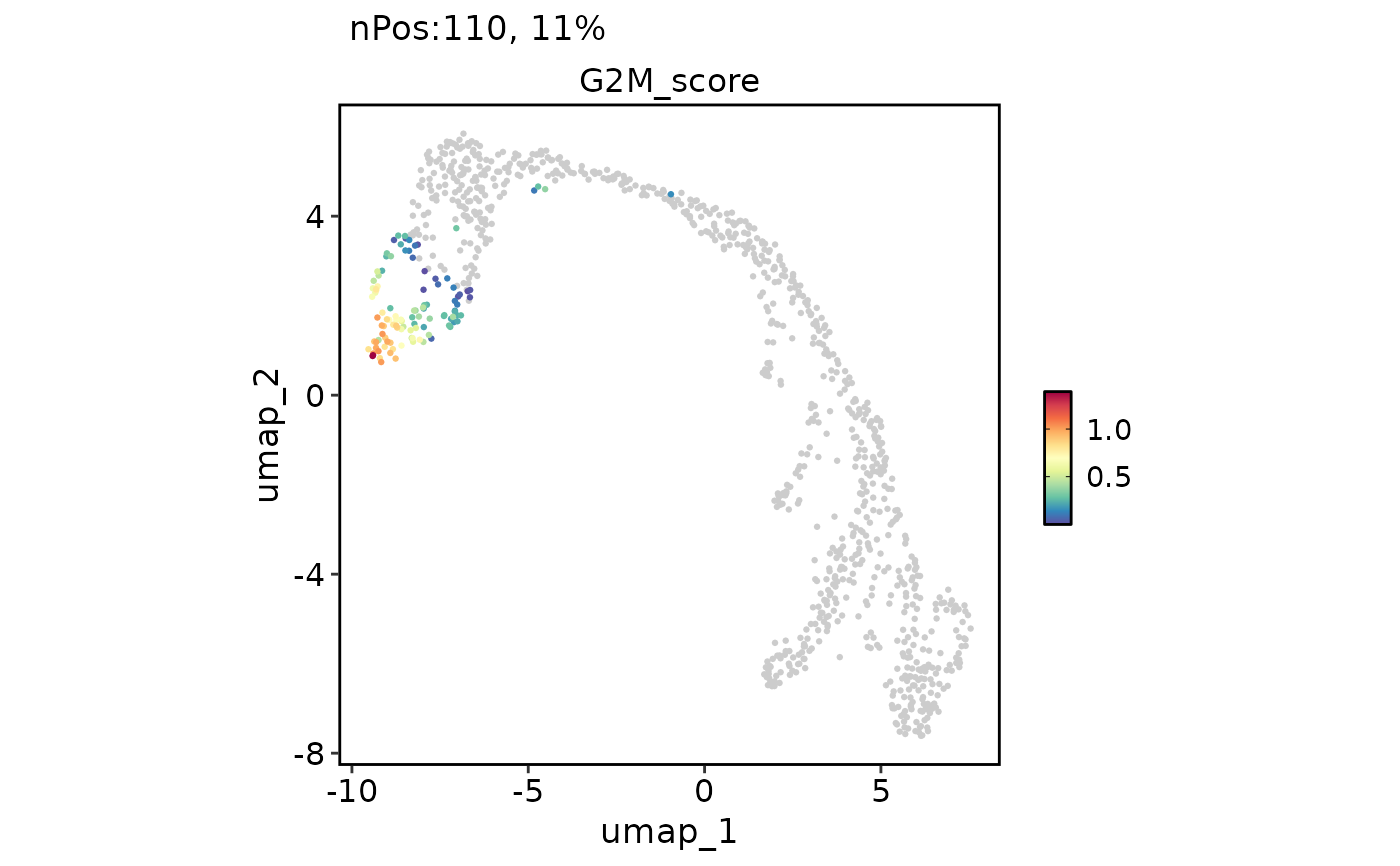 FeatureDimPlot(
pancreas_sub,
features = "G2M_score",
reduction = "UMAP",
bg_cutoff = -Inf
)
FeatureDimPlot(
pancreas_sub,
features = "G2M_score",
reduction = "UMAP",
bg_cutoff = -Inf
)
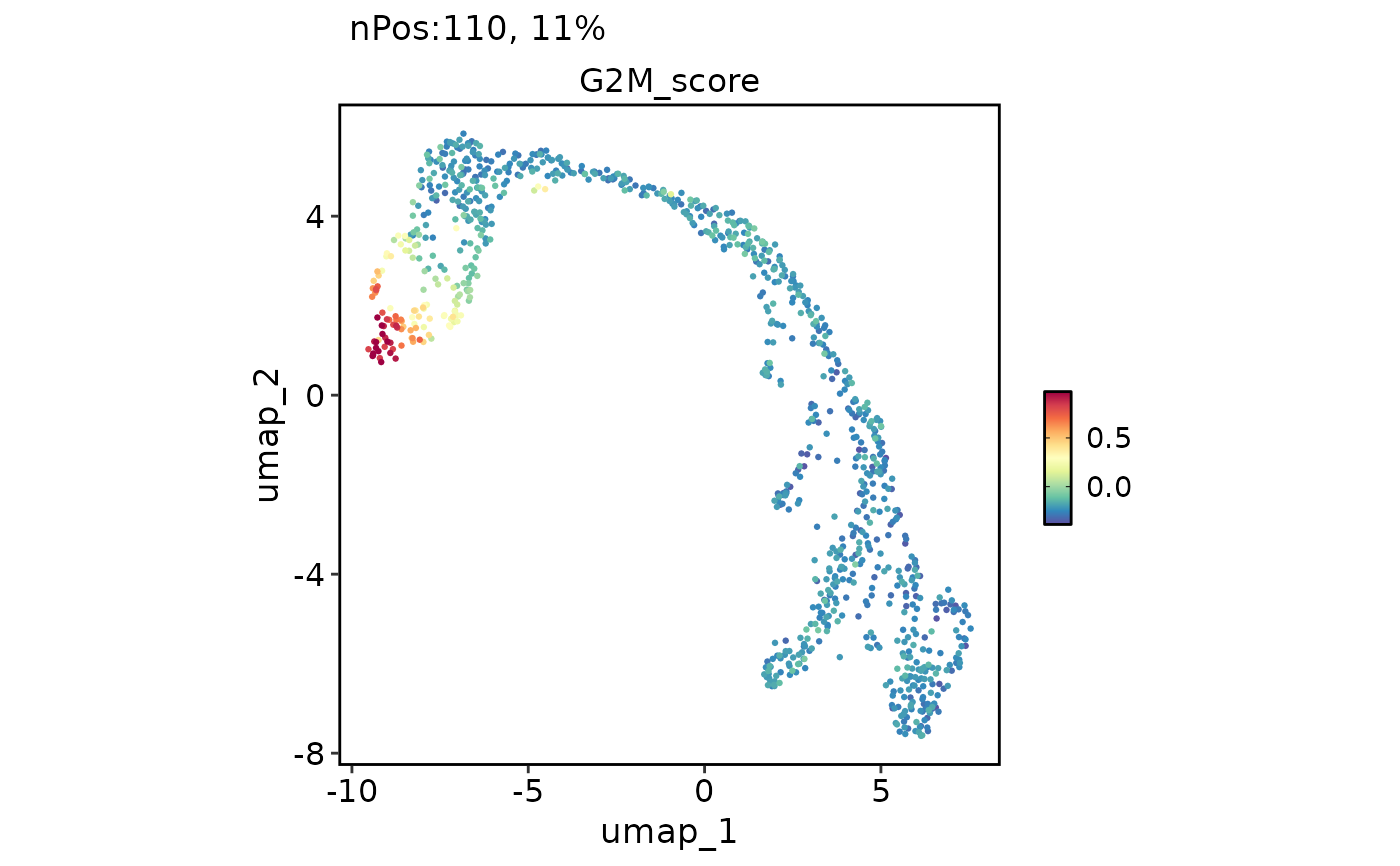 FeatureDimPlot(
pancreas_sub,
features = "G2M_score",
reduction = "UMAP",
theme_use = "theme_blank"
)
FeatureDimPlot(
pancreas_sub,
features = "G2M_score",
reduction = "UMAP",
theme_use = "theme_blank"
)
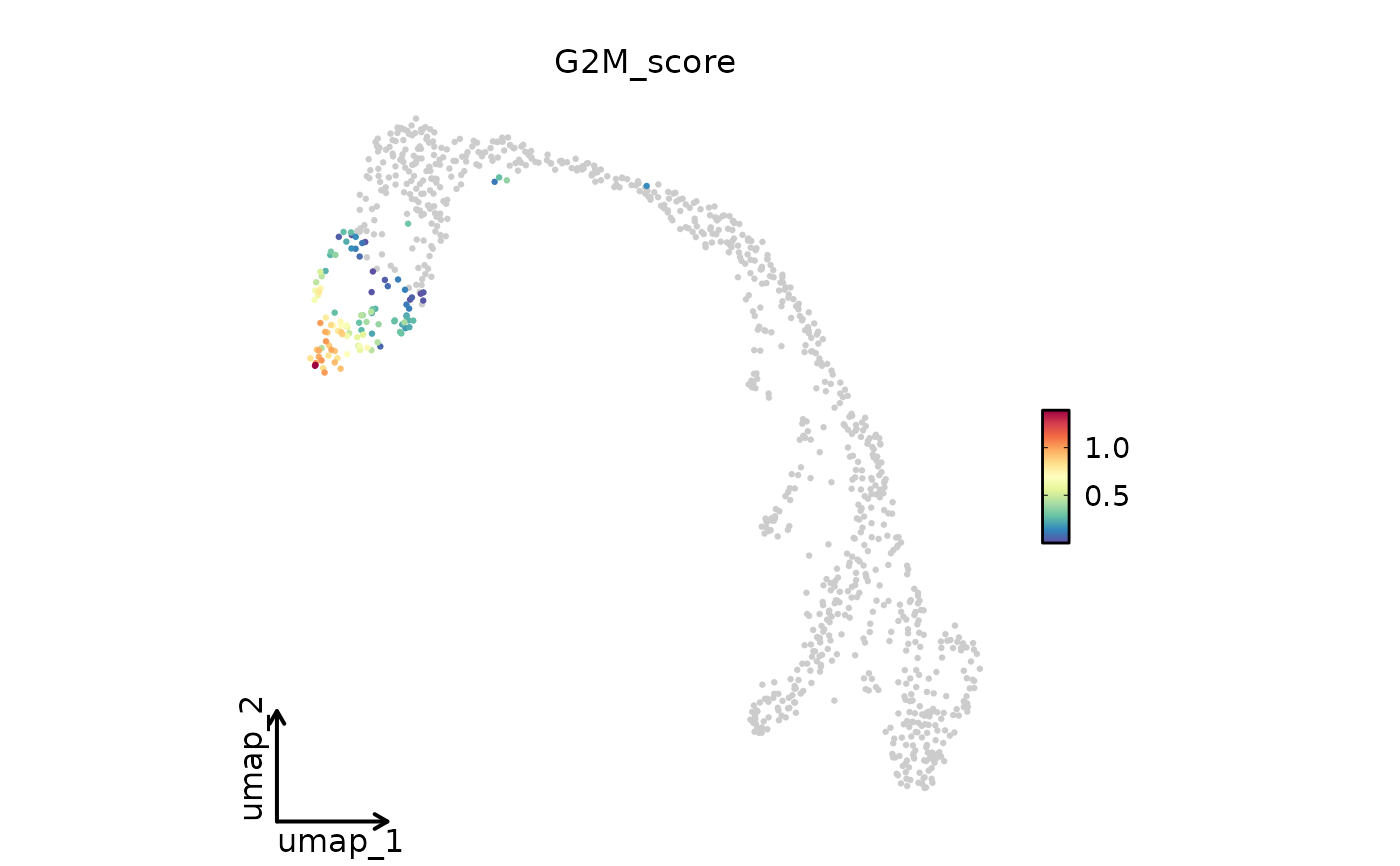 FeatureDimPlot(
pancreas_sub,
features = "G2M_score",
reduction = "UMAP",
theme_use = ggplot2::theme_classic,
theme_args = list(base_size = 16)
)
FeatureDimPlot(
pancreas_sub,
features = "G2M_score",
reduction = "UMAP",
theme_use = ggplot2::theme_classic,
theme_args = list(base_size = 16)
)
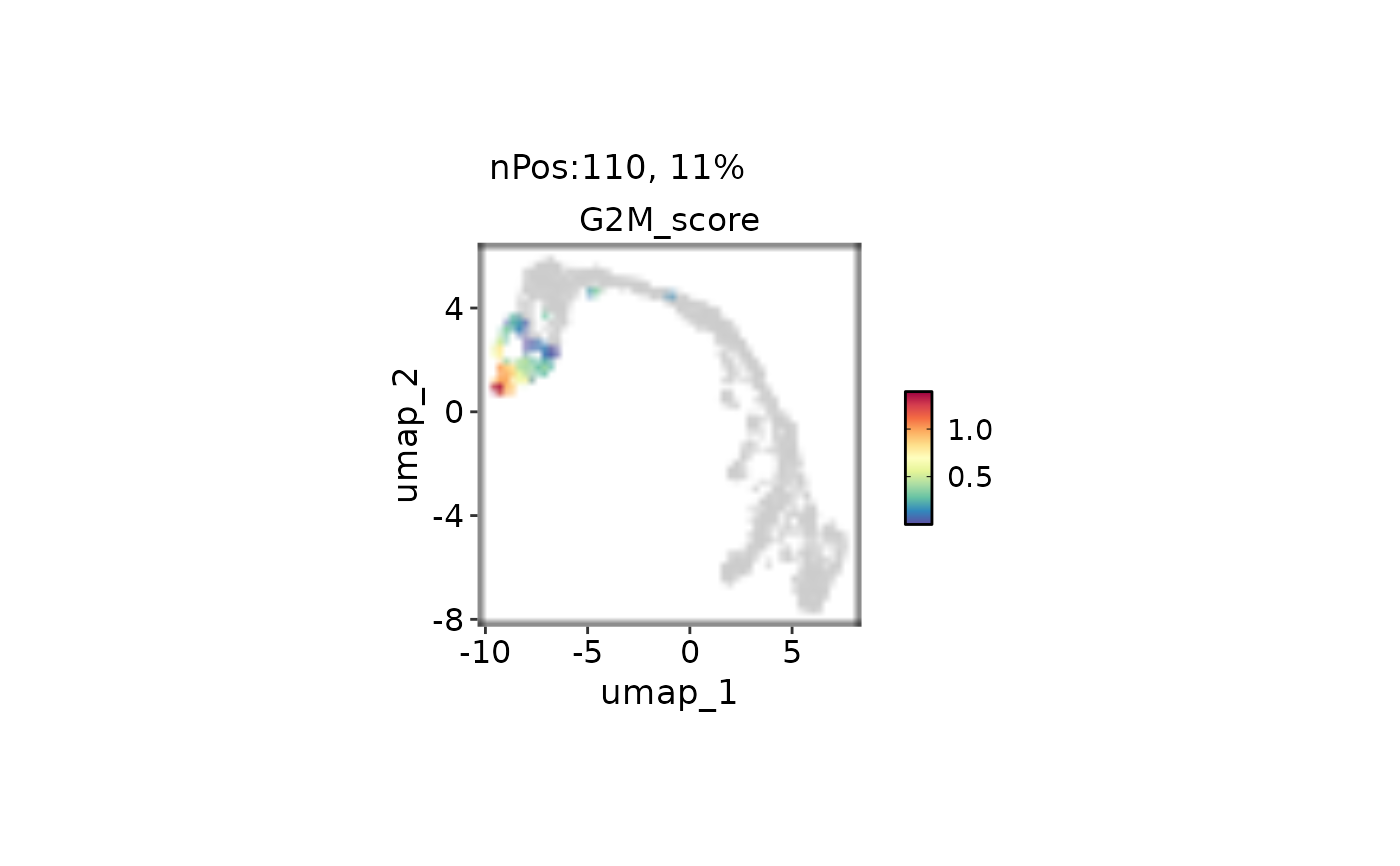
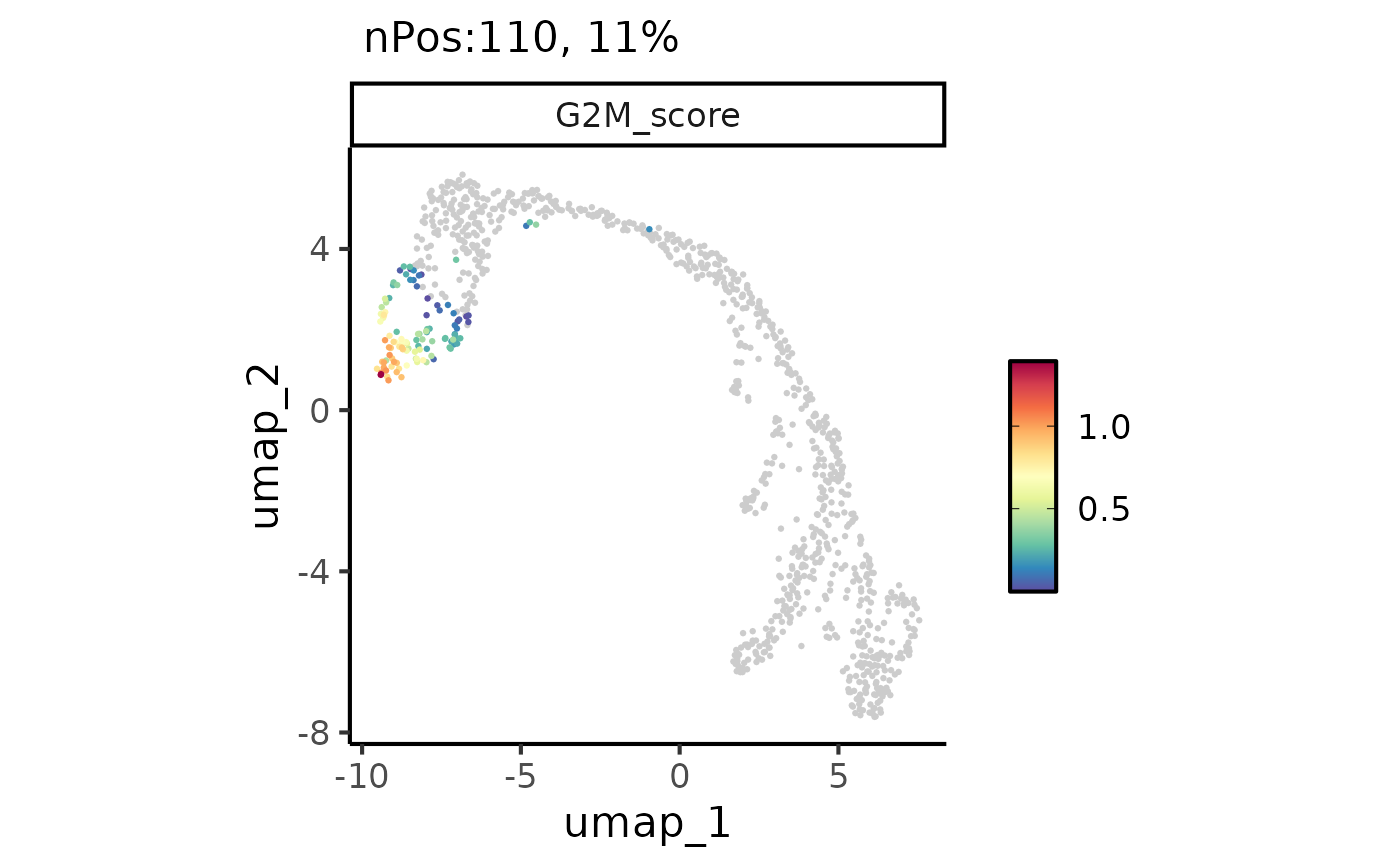 FeatureDimPlot(
pancreas_sub,
features = "G2M_score",
reduction = "UMAP"
) |> thisplot::panel_fix(
height = 2,
raster = TRUE,
dpi = 30
)
FeatureDimPlot(
pancreas_sub,
features = "G2M_score",
reduction = "UMAP"
) |> thisplot::panel_fix(
height = 2,
raster = TRUE,
dpi = 30
)
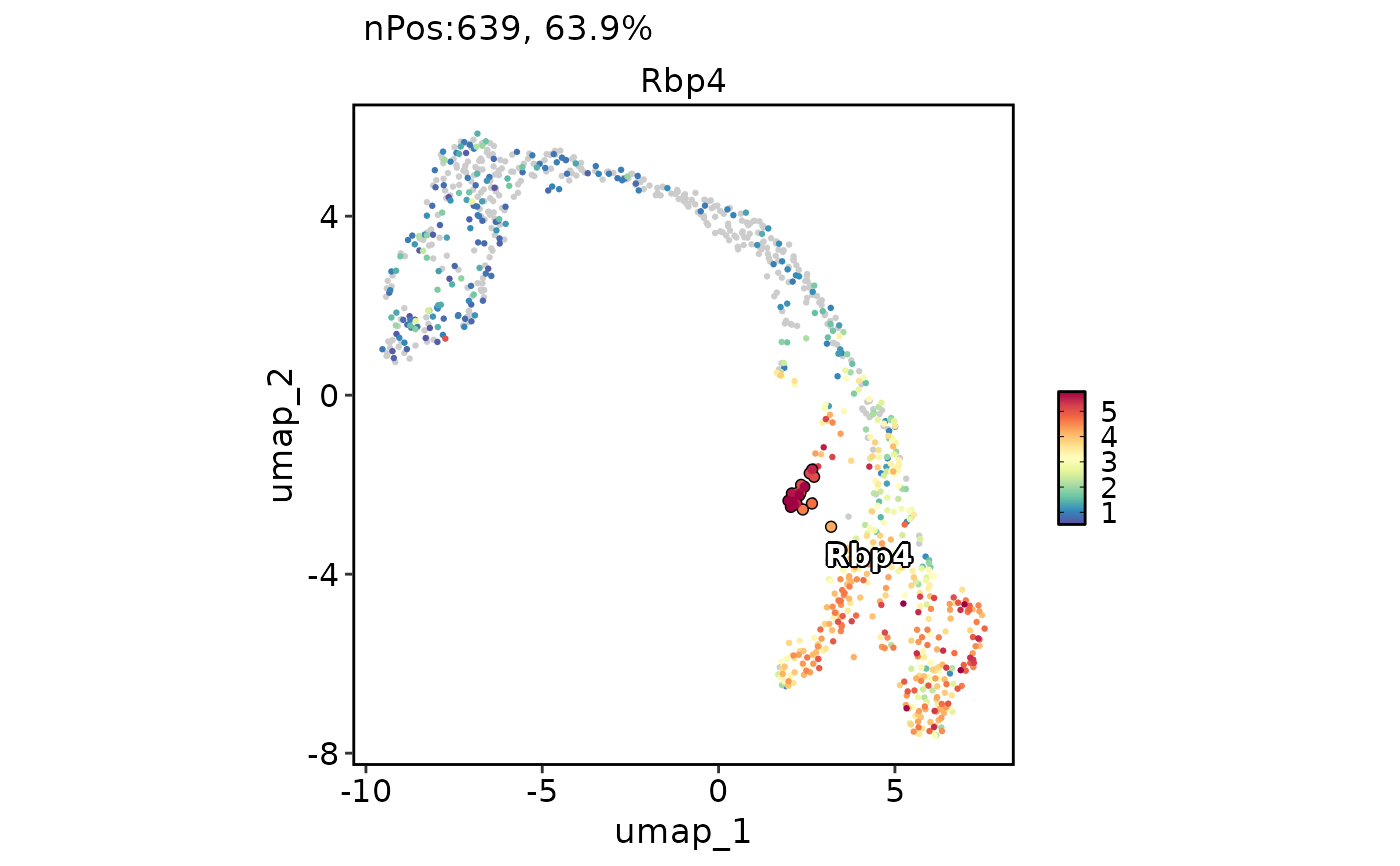
 # Label and highlight cell points
FeatureDimPlot(
pancreas_sub,
features = "Rbp4",
reduction = "UMAP",
label = TRUE,
cells.highlight = colnames(
pancreas_sub
)[pancreas_sub$SubCellType == "Delta"]
)
# Label and highlight cell points
FeatureDimPlot(
pancreas_sub,
features = "Rbp4",
reduction = "UMAP",
label = TRUE,
cells.highlight = colnames(
pancreas_sub
)[pancreas_sub$SubCellType == "Delta"]
)
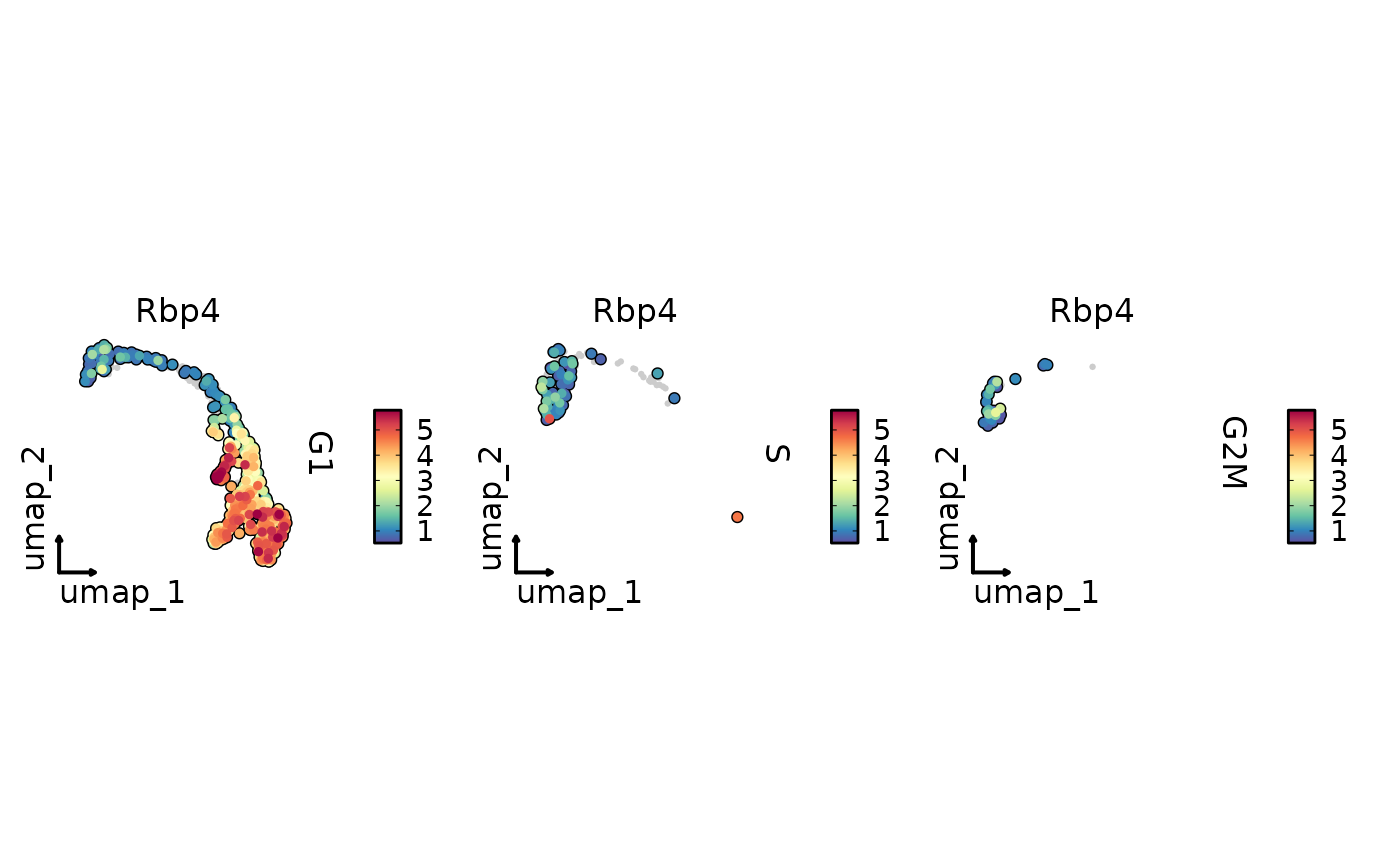
 FeatureDimPlot(
pancreas_sub,
features = "Rbp4",
split.by = "Phase",
reduction = "UMAP",
cells.highlight = TRUE,
theme_use = "theme_blank"
)
FeatureDimPlot(
pancreas_sub,
features = "Rbp4",
split.by = "Phase",
reduction = "UMAP",
cells.highlight = TRUE,
theme_use = "theme_blank"
)
 FeatureDimPlot(
pancreas_sub, features = c("Rbp4", "Sst"), reduction = "UMAP",
title.color = c(Rbp4 = "#2A6F97", Sst = "#B14B28")
)
FeatureDimPlot(
pancreas_sub, features = c("Rbp4", "Sst"), reduction = "UMAP",
title.color = c(Rbp4 = "#2A6F97", Sst = "#B14B28")
)
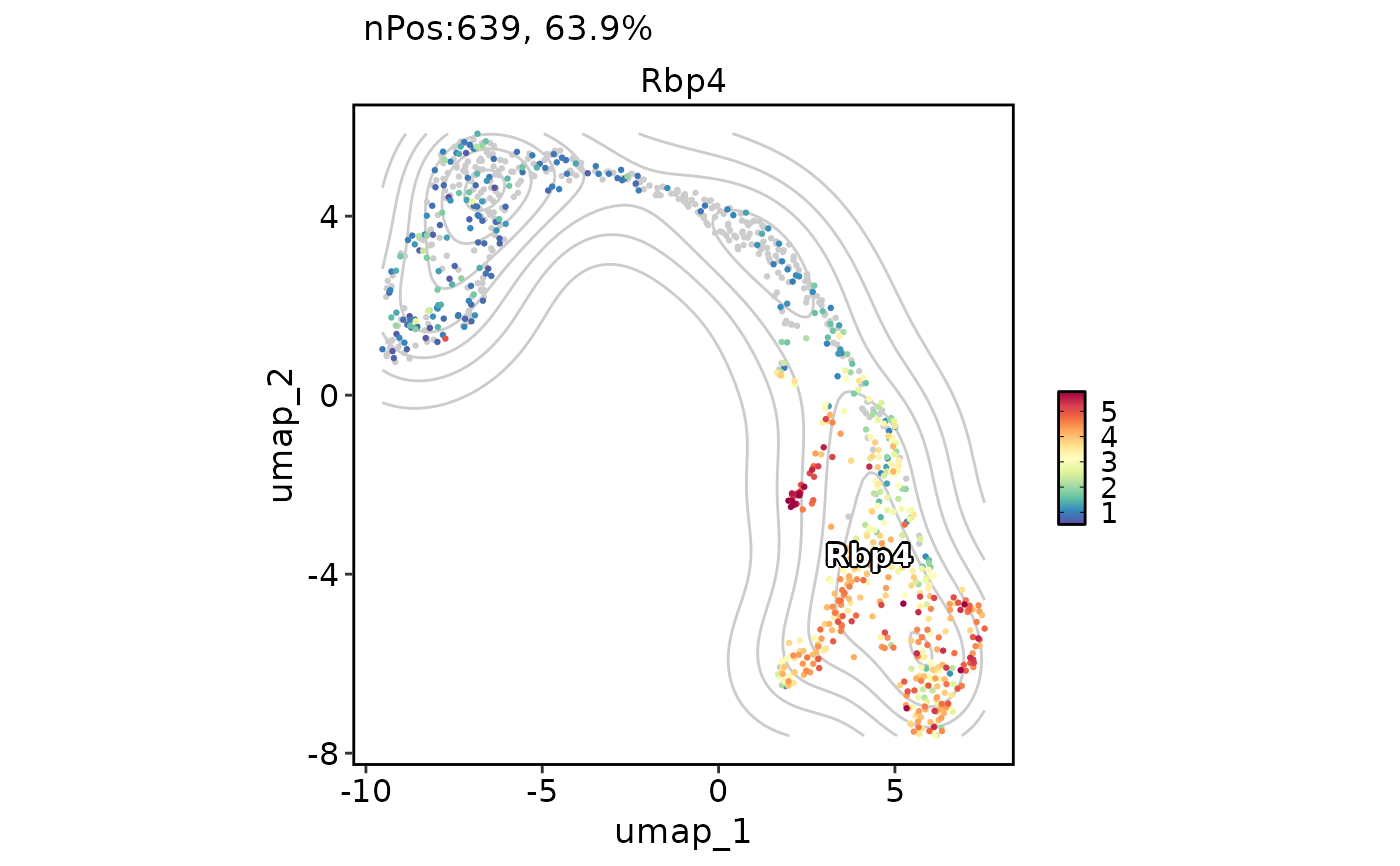 # Add a density layer
FeatureDimPlot(
pancreas_sub,
features = "Rbp4",
reduction = "UMAP",
label = TRUE,
add_density = TRUE
)
# Add a density layer
FeatureDimPlot(
pancreas_sub,
features = "Rbp4",
reduction = "UMAP",
label = TRUE,
add_density = TRUE
)
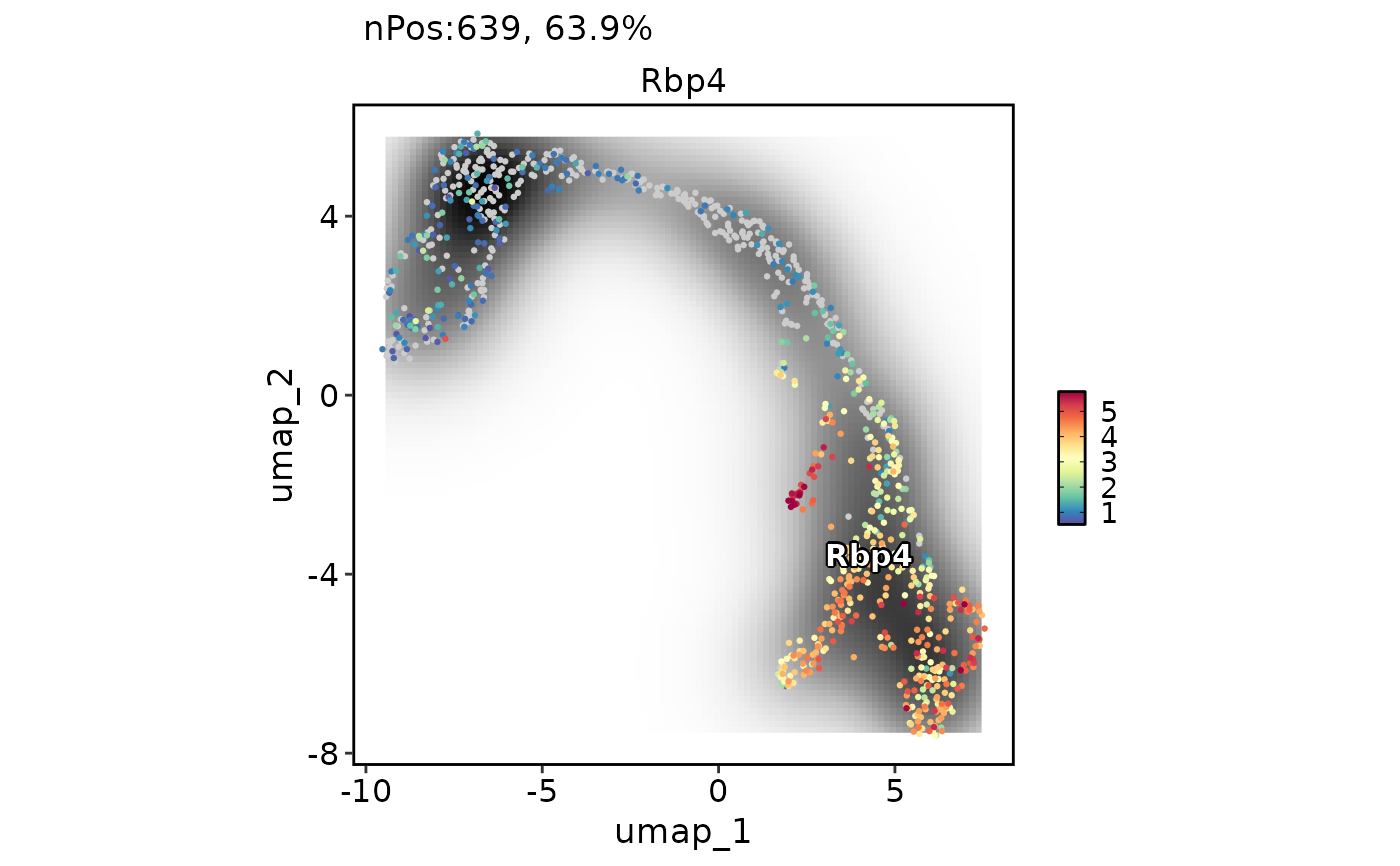 FeatureDimPlot(
pancreas_sub,
features = "Rbp4",
reduction = "UMAP",
label = TRUE,
add_density = TRUE,
density_filled = TRUE
)
FeatureDimPlot(
pancreas_sub,
features = "Rbp4",
reduction = "UMAP",
label = TRUE,
add_density = TRUE,
density_filled = TRUE
)
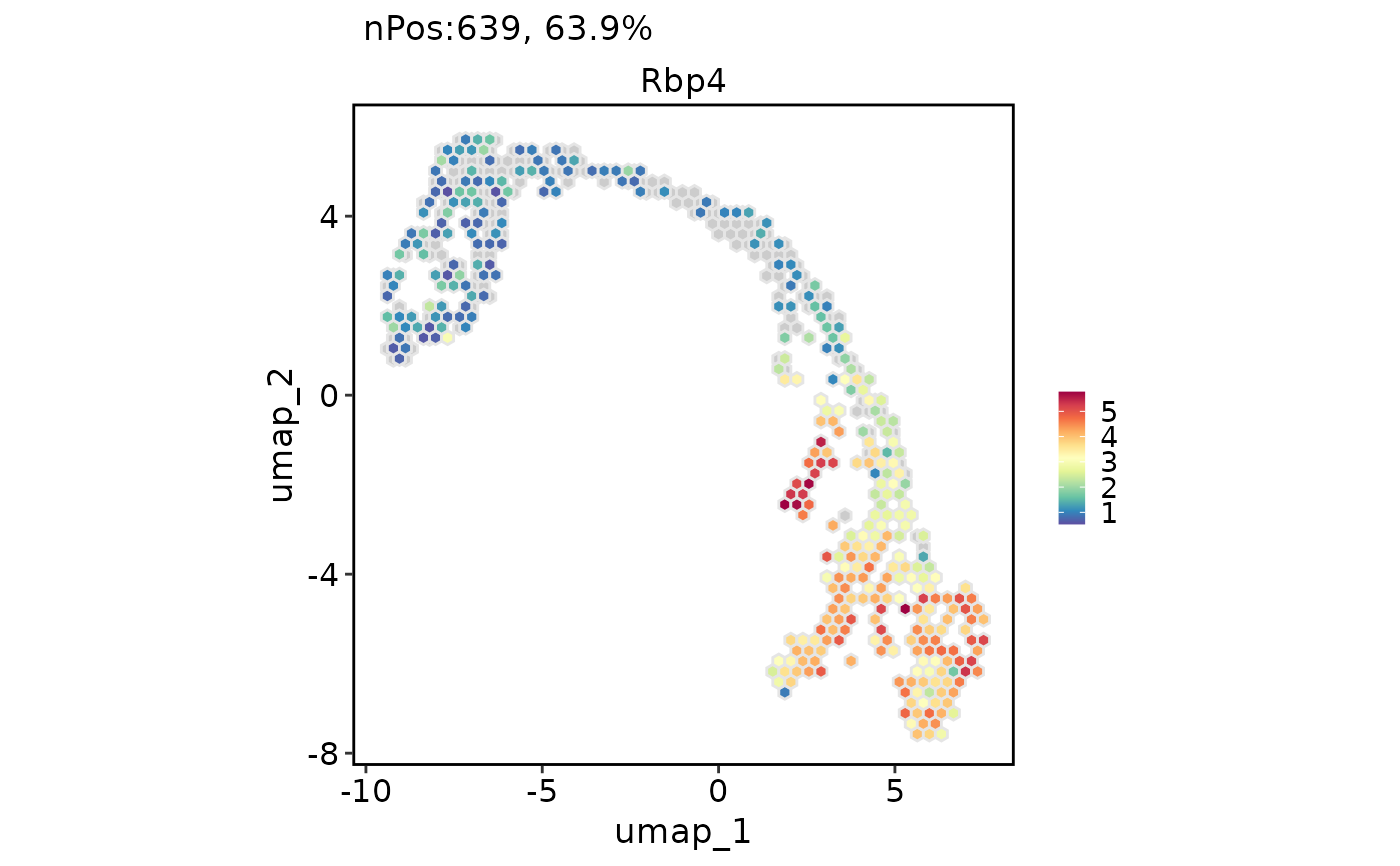 # Chane the plot type from point to the hexagonal bin
FeatureDimPlot(
pancreas_sub,
features = "Rbp4",
reduction = "UMAP",
hex = TRUE
)
# Chane the plot type from point to the hexagonal bin
FeatureDimPlot(
pancreas_sub,
features = "Rbp4",
reduction = "UMAP",
hex = TRUE
)
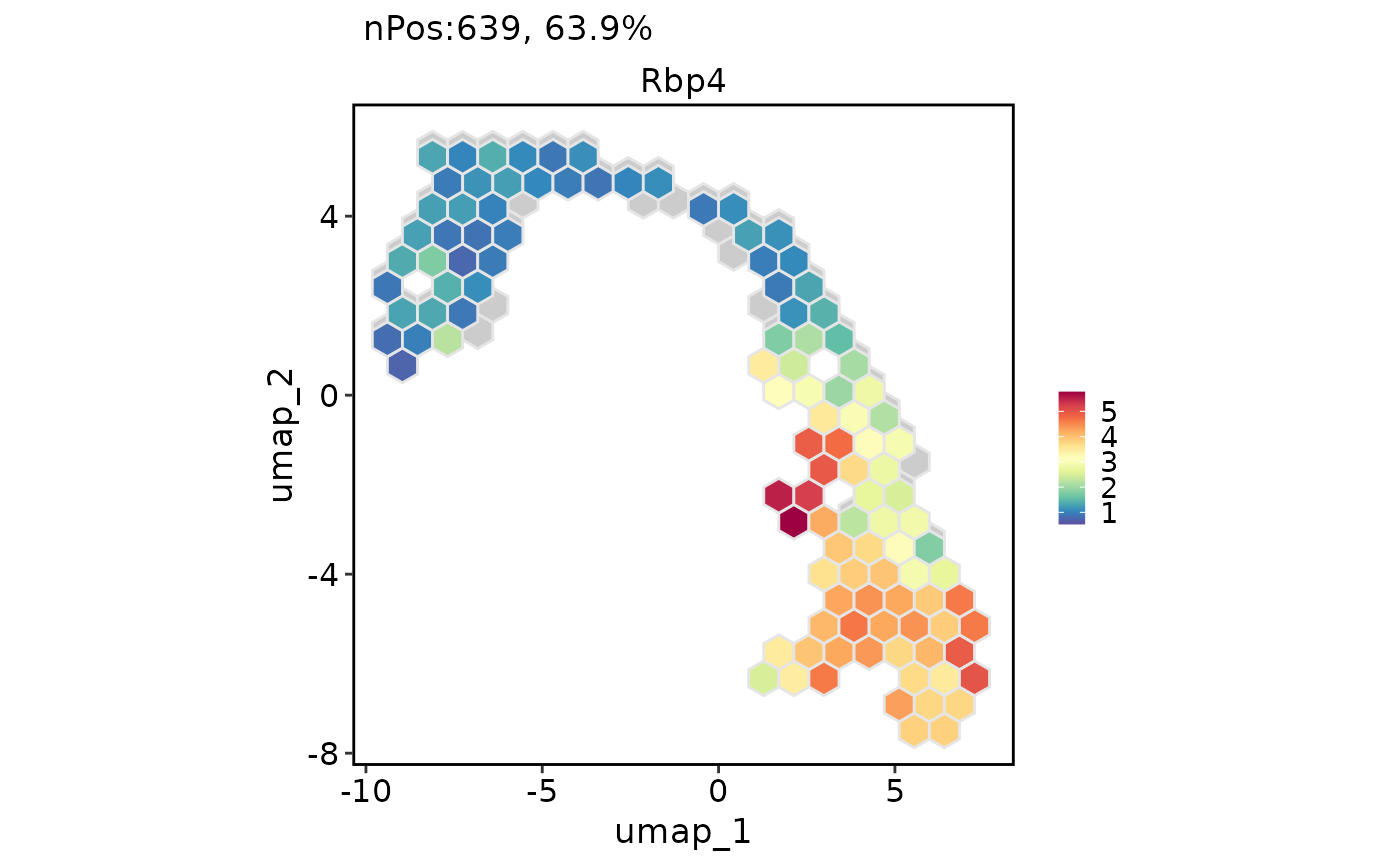 FeatureDimPlot(
pancreas_sub,
features = "Rbp4",
reduction = "UMAP",
hex = TRUE,
hex.bins = 20
)
FeatureDimPlot(
pancreas_sub,
features = "Rbp4",
reduction = "UMAP",
hex = TRUE,
hex.bins = 20
)
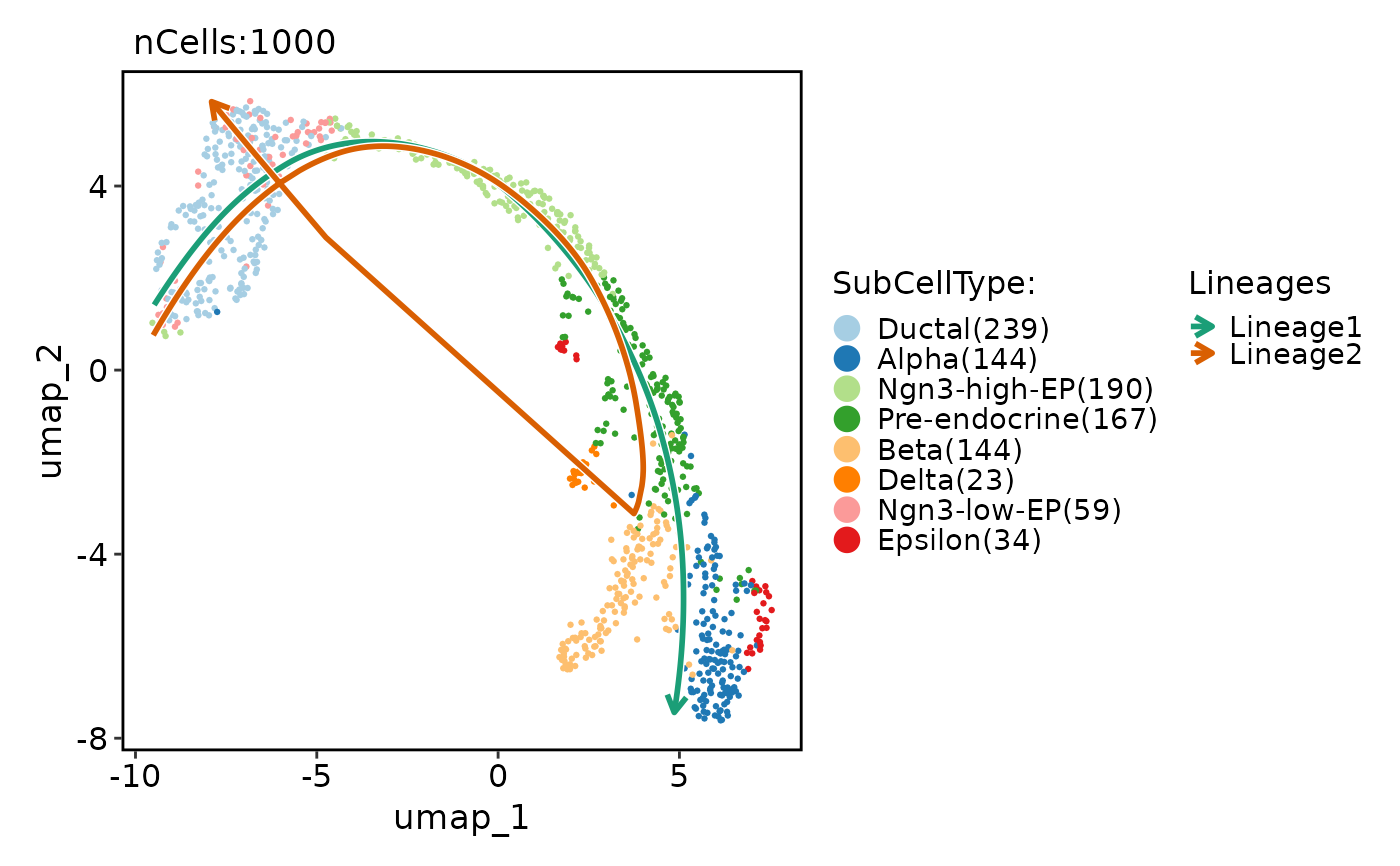 # Show lineages on the plot based on the pseudotime
pancreas_sub <- RunSlingshot(
pancreas_sub,
group.by = "SubCellType",
reduction = "UMAP"
)
# Show lineages on the plot based on the pseudotime
pancreas_sub <- RunSlingshot(
pancreas_sub,
group.by = "SubCellType",
reduction = "UMAP"
)
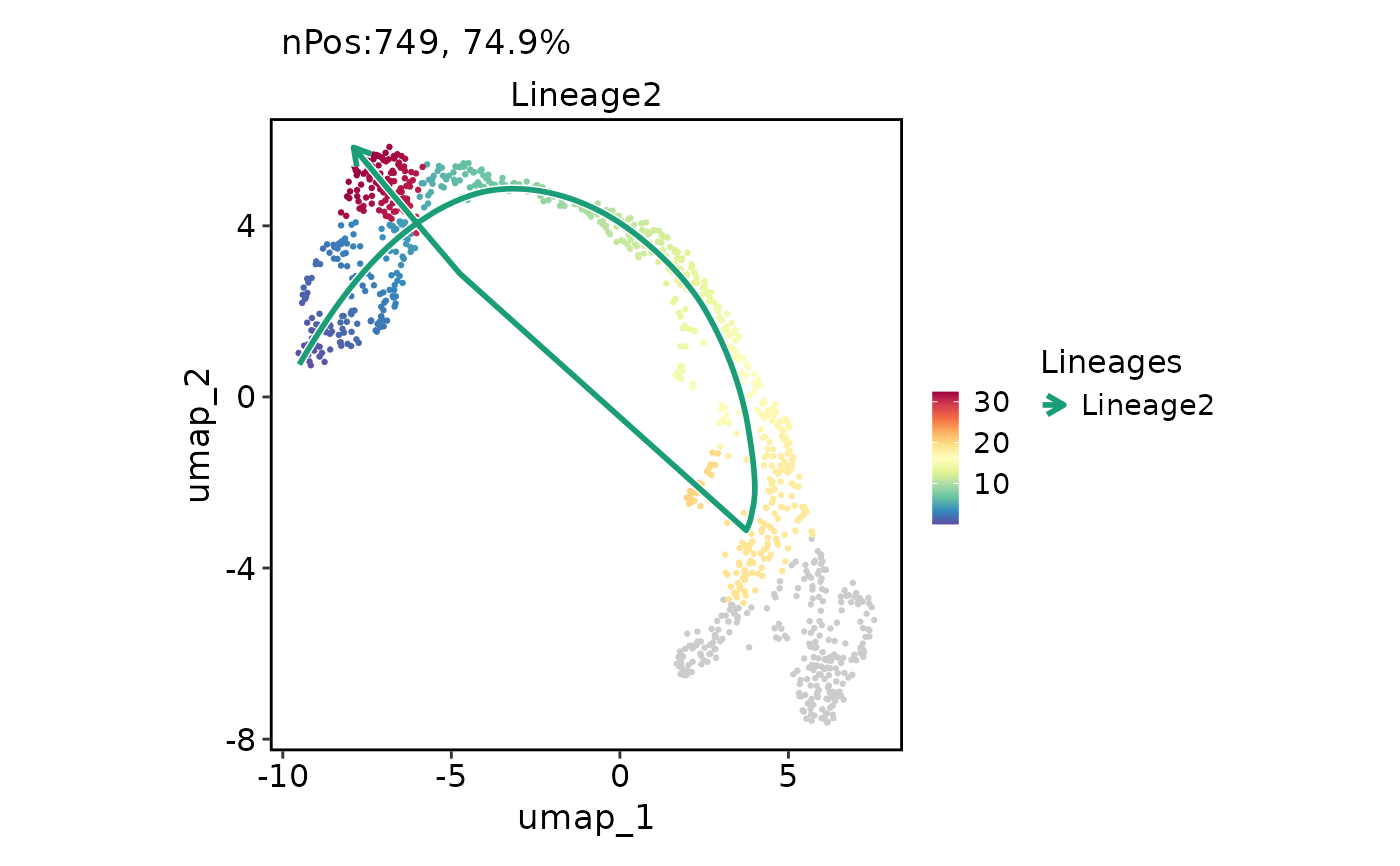 FeatureDimPlot(
pancreas_sub,
features = "Lineage2",
reduction = "UMAP",
lineages = "Lineage2"
)
FeatureDimPlot(
pancreas_sub,
features = "Lineage2",
reduction = "UMAP",
lineages = "Lineage2"
)
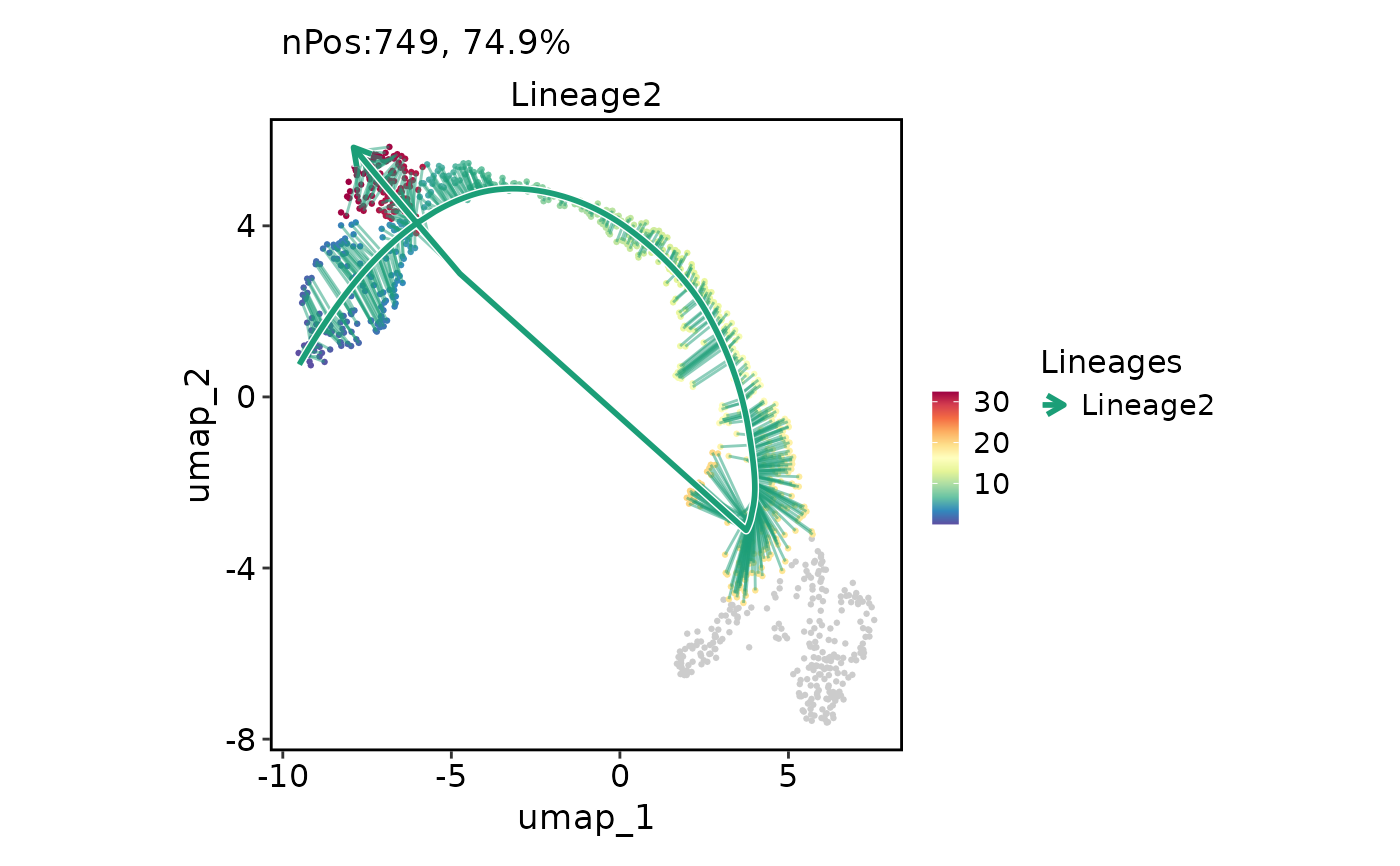 FeatureDimPlot(
pancreas_sub,
features = "Lineage2",
reduction = "UMAP",
lineages = "Lineage2",
lineages_whiskers = TRUE
)
FeatureDimPlot(
pancreas_sub,
features = "Lineage2",
reduction = "UMAP",
lineages = "Lineage2",
lineages_whiskers = TRUE
)
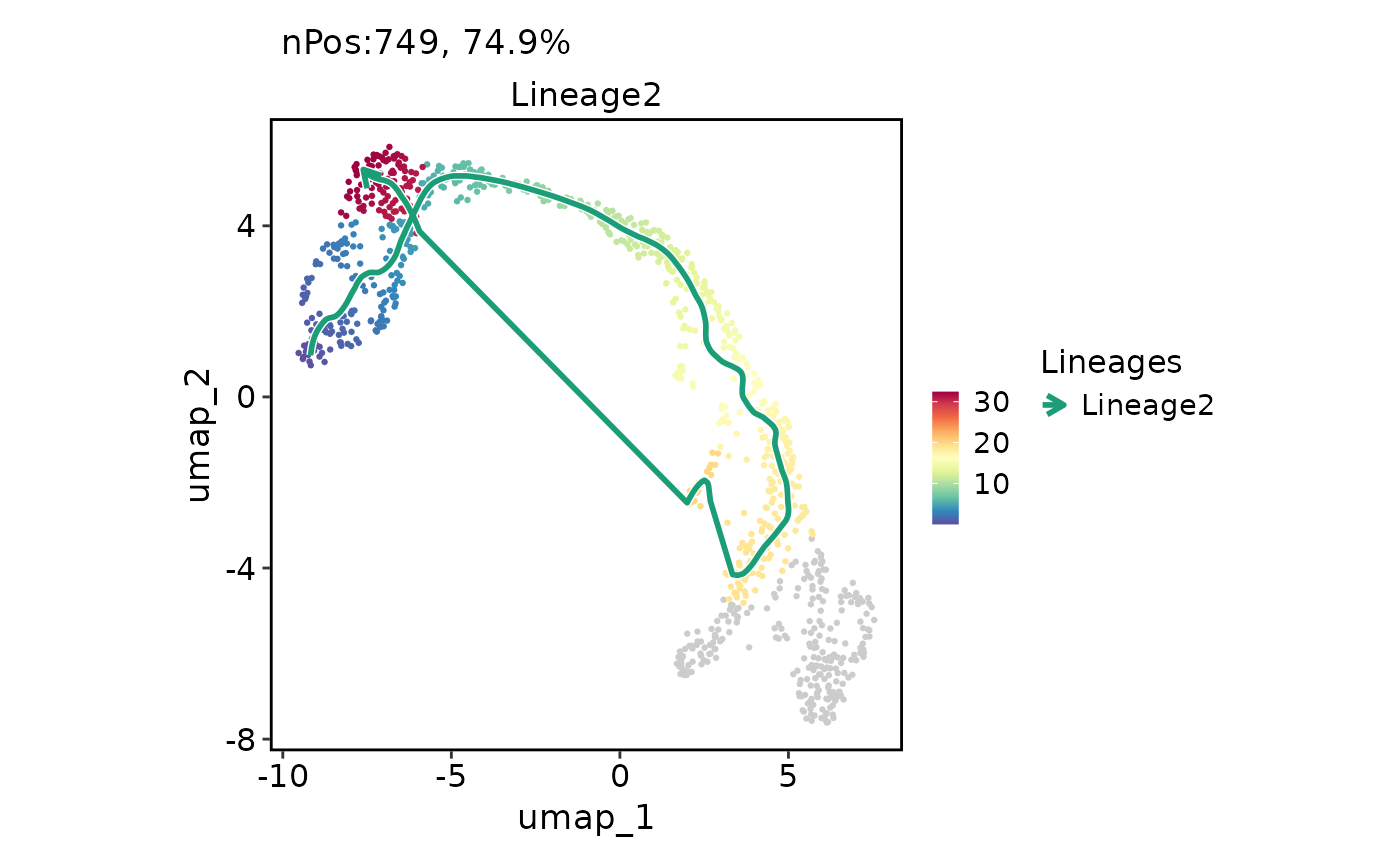 FeatureDimPlot(
pancreas_sub,
features = "Lineage2",
reduction = "UMAP",
lineages = "Lineage2",
lineages_span = 0.1
)
FeatureDimPlot(
pancreas_sub,
features = "Lineage2",
reduction = "UMAP",
lineages = "Lineage2",
lineages_span = 0.1
)
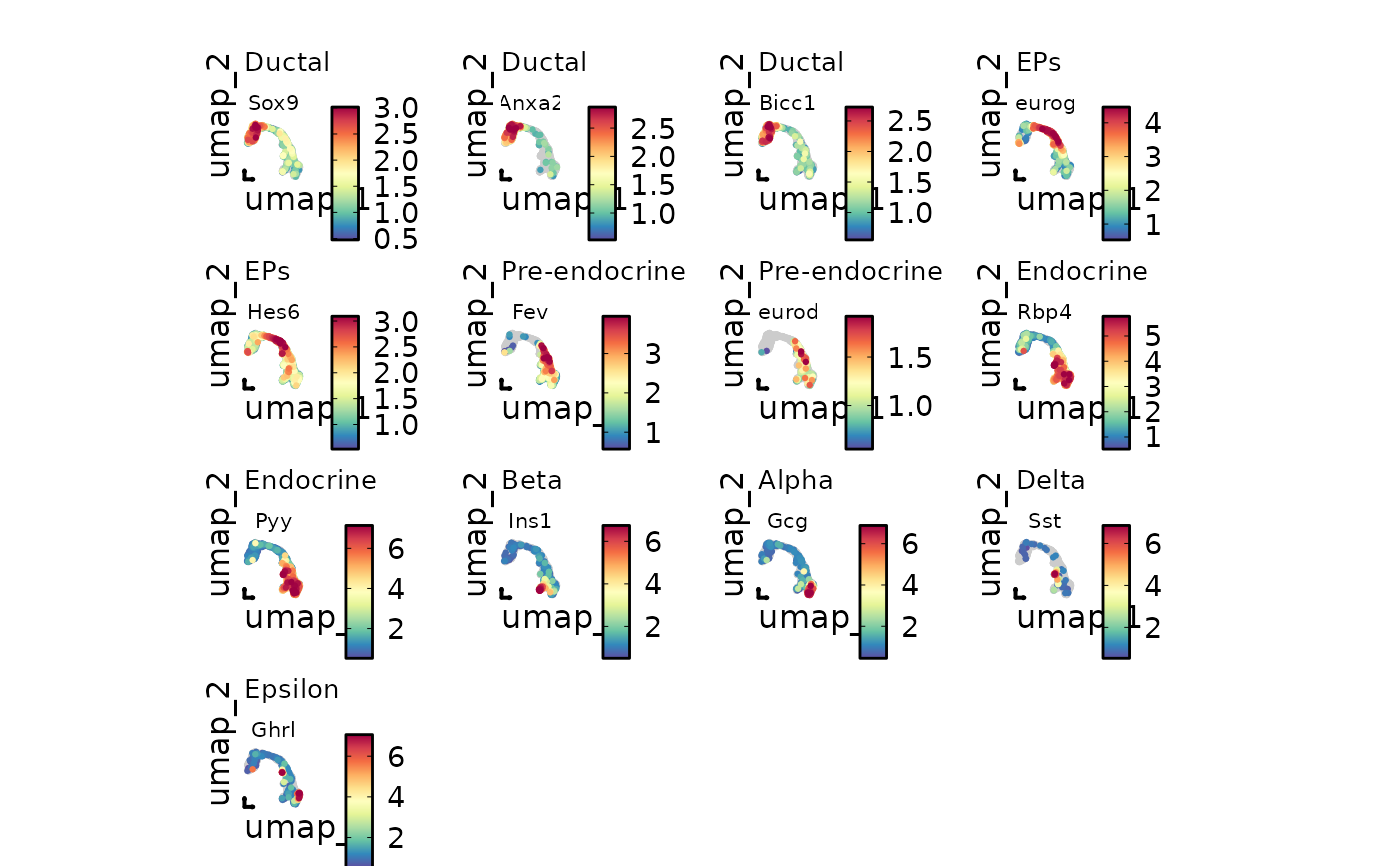 # Input a named feature list
markers <- list(
"Ductal" = c("Sox9", "Anxa2", "Bicc1"),
"EPs" = c("Neurog3", "Hes6"),
"Pre-endocrine" = c("Fev", "Neurod1"),
"Endocrine" = c("Rbp4", "Pyy"),
"Beta" = "Ins1",
"Alpha" = "Gcg",
"Delta" = "Sst",
"Epsilon" = "Ghrl"
)
FeatureDimPlot(
pancreas_sub,
features = markers,
reduction = "UMAP",
theme_use = "theme_blank",
theme_args = list(
plot.subtitle = ggplot2::element_text(size = 10),
strip.text = ggplot2::element_text(size = 8)
)
)
# Input a named feature list
markers <- list(
"Ductal" = c("Sox9", "Anxa2", "Bicc1"),
"EPs" = c("Neurog3", "Hes6"),
"Pre-endocrine" = c("Fev", "Neurod1"),
"Endocrine" = c("Rbp4", "Pyy"),
"Beta" = "Ins1",
"Alpha" = "Gcg",
"Delta" = "Sst",
"Epsilon" = "Ghrl"
)
FeatureDimPlot(
pancreas_sub,
features = markers,
reduction = "UMAP",
theme_use = "theme_blank",
theme_args = list(
plot.subtitle = ggplot2::element_text(size = 10),
strip.text = ggplot2::element_text(size = 8)
)
)
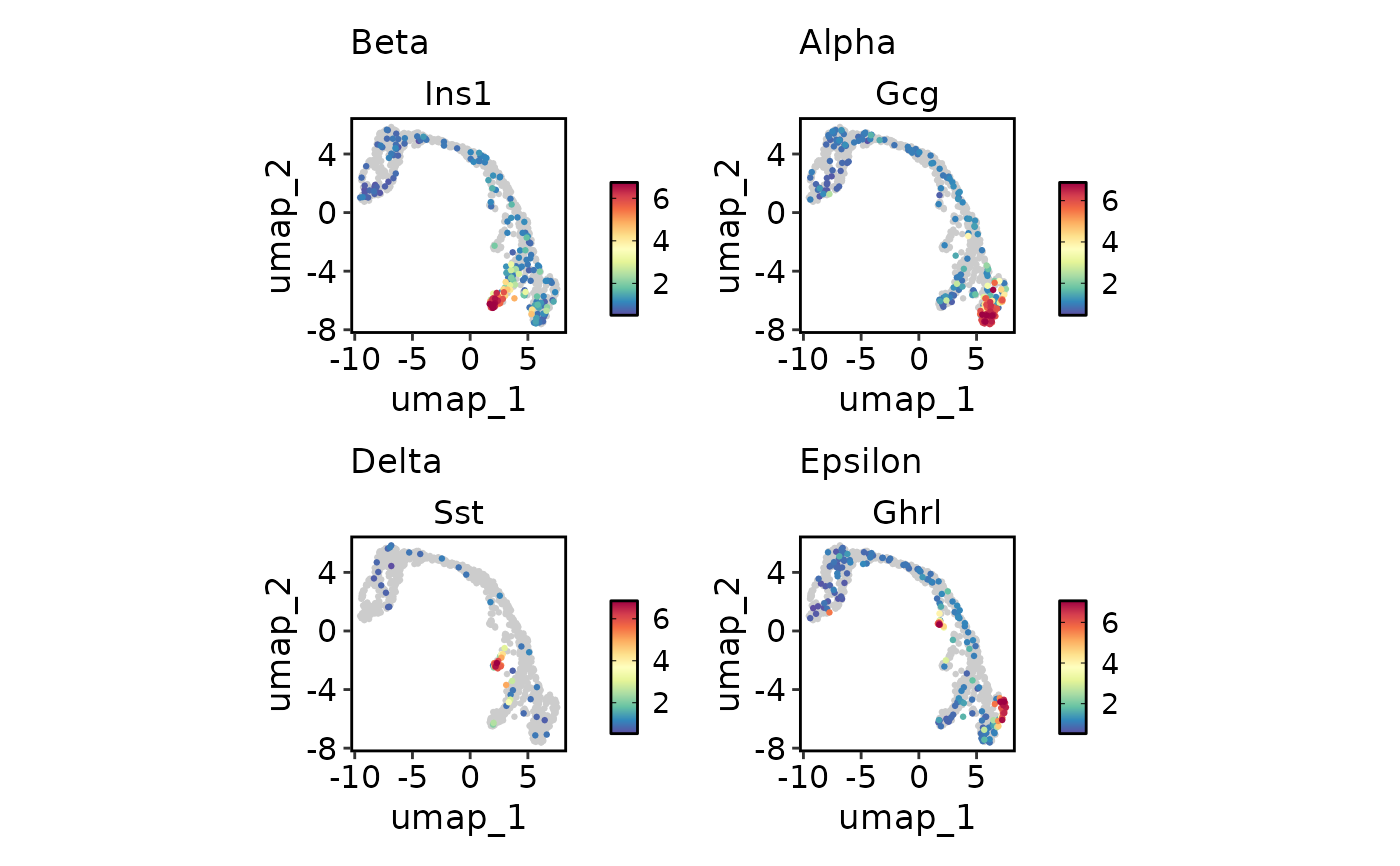 # Plot multiple features with different scales
endocrine_markers <- c(
"Beta" = "Ins1",
"Alpha" = "Gcg",
"Delta" = "Sst",
"Epsilon" = "Ghrl"
)
FeatureDimPlot(
pancreas_sub,
endocrine_markers,
reduction = "UMAP"
)
# Plot multiple features with different scales
endocrine_markers <- c(
"Beta" = "Ins1",
"Alpha" = "Gcg",
"Delta" = "Sst",
"Epsilon" = "Ghrl"
)
FeatureDimPlot(
pancreas_sub,
endocrine_markers,
reduction = "UMAP"
)
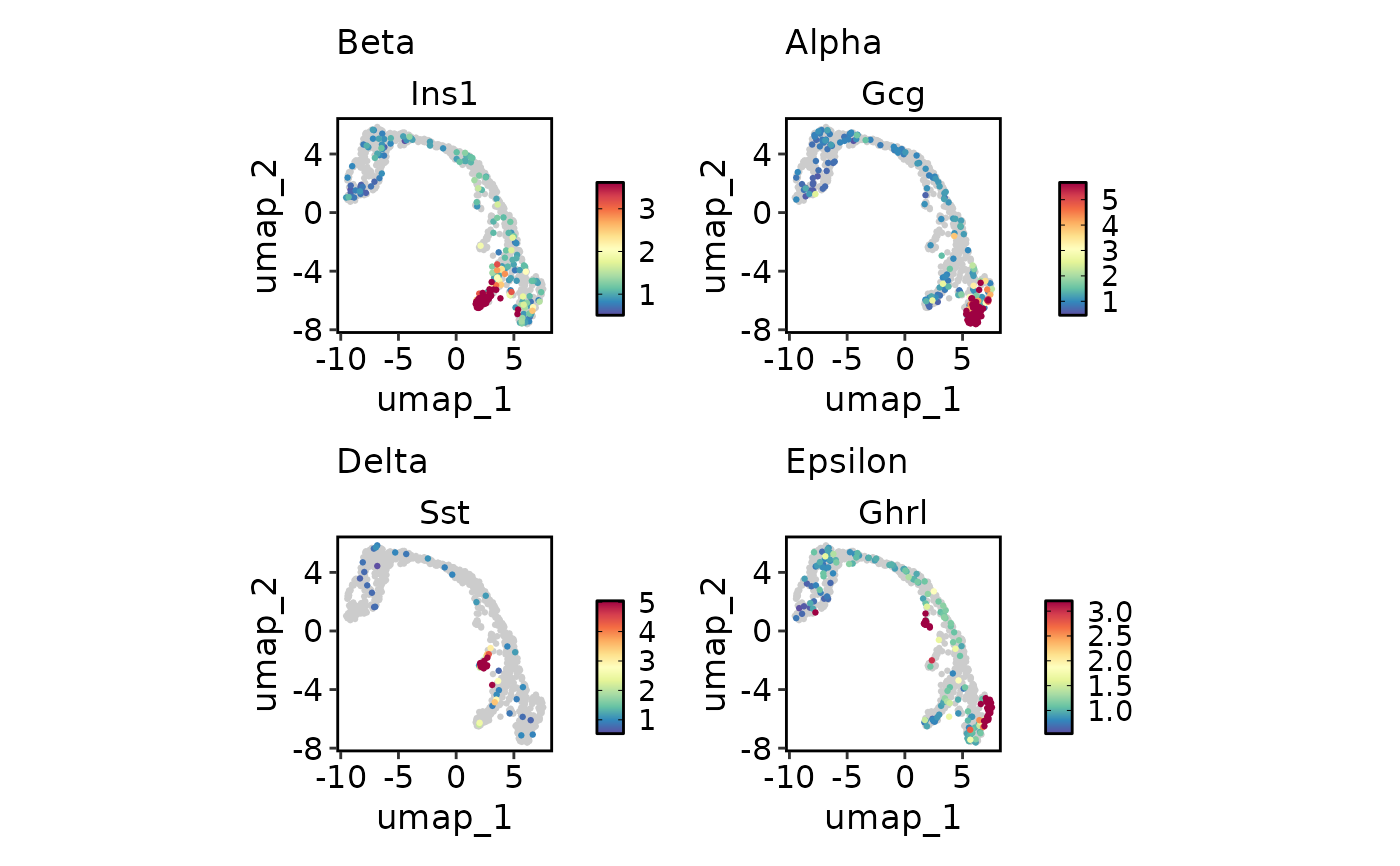 FeatureDimPlot(
pancreas_sub,
endocrine_markers,
reduction = "UMAP",
lower_quantile = 0,
upper_quantile = 0.8
)
FeatureDimPlot(
pancreas_sub,
endocrine_markers,
reduction = "UMAP",
lower_quantile = 0,
upper_quantile = 0.8
)
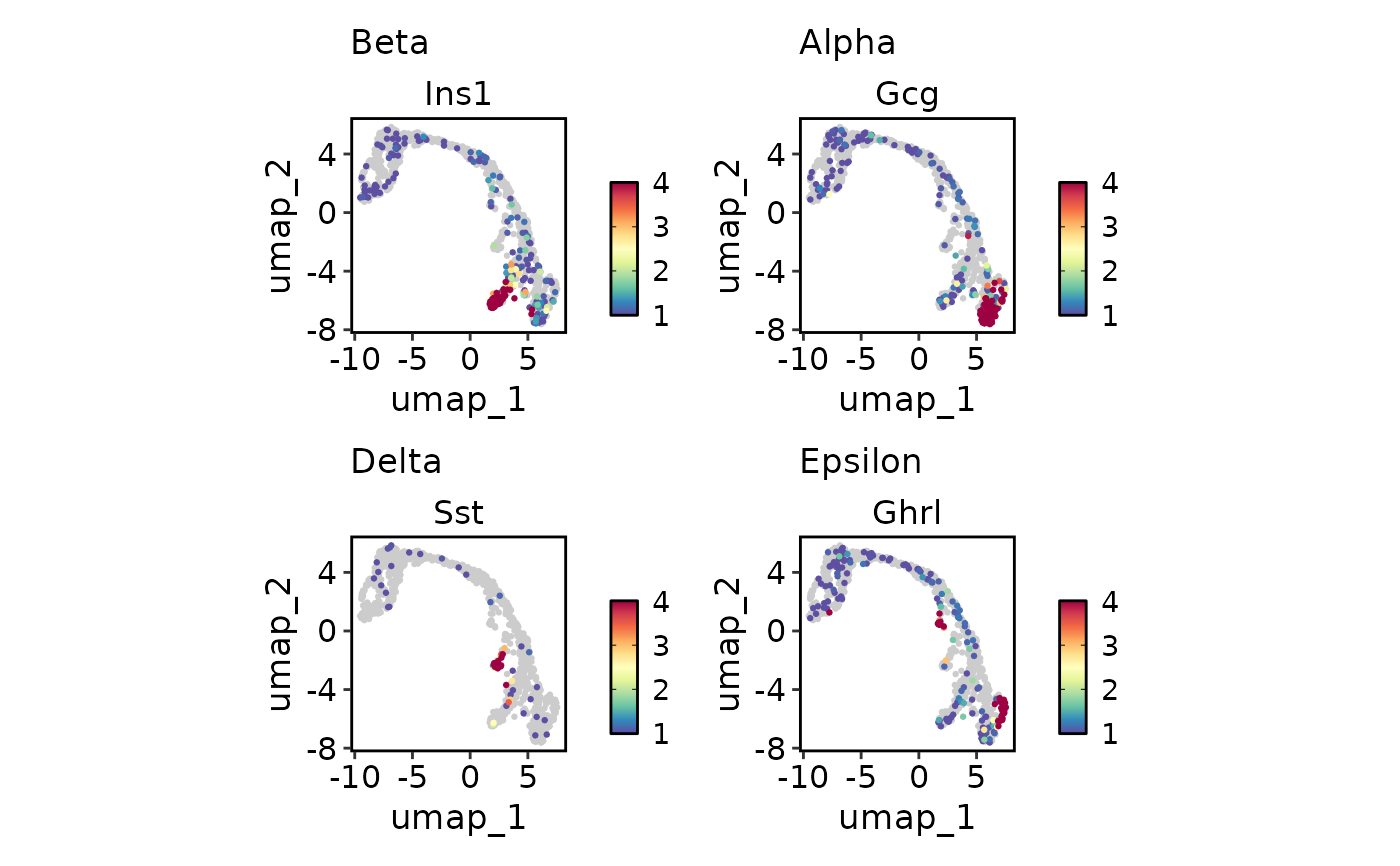 FeatureDimPlot(
pancreas_sub,
endocrine_markers,
reduction = "UMAP",
lower_cutoff = 1,
upper_cutoff = 4
)
FeatureDimPlot(
pancreas_sub,
endocrine_markers,
reduction = "UMAP",
lower_cutoff = 1,
upper_cutoff = 4
)
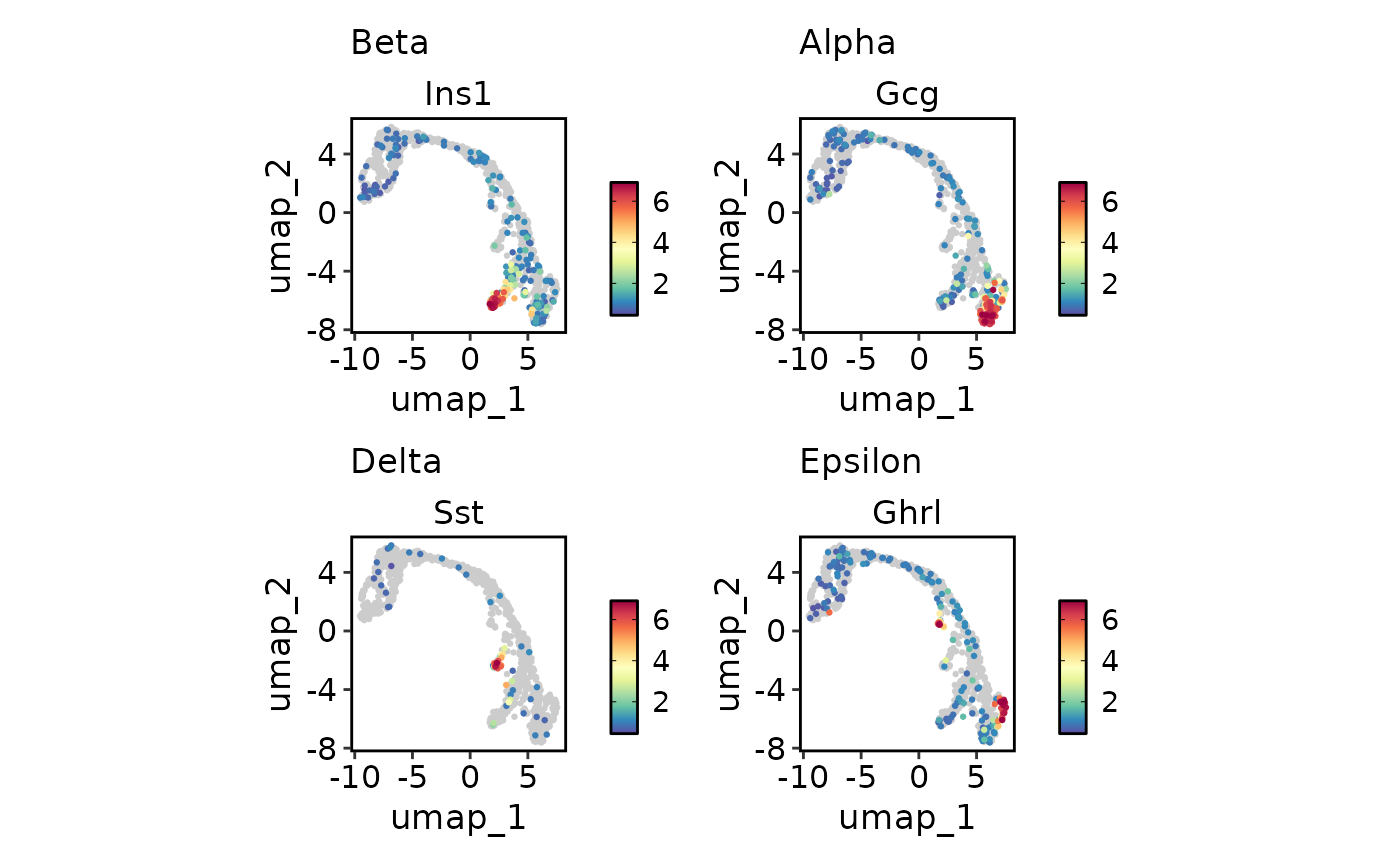 FeatureDimPlot(
pancreas_sub,
endocrine_markers,
reduction = "UMAP",
keep_scale = "all"
)
FeatureDimPlot(
pancreas_sub,
endocrine_markers,
reduction = "UMAP",
keep_scale = "all"
)
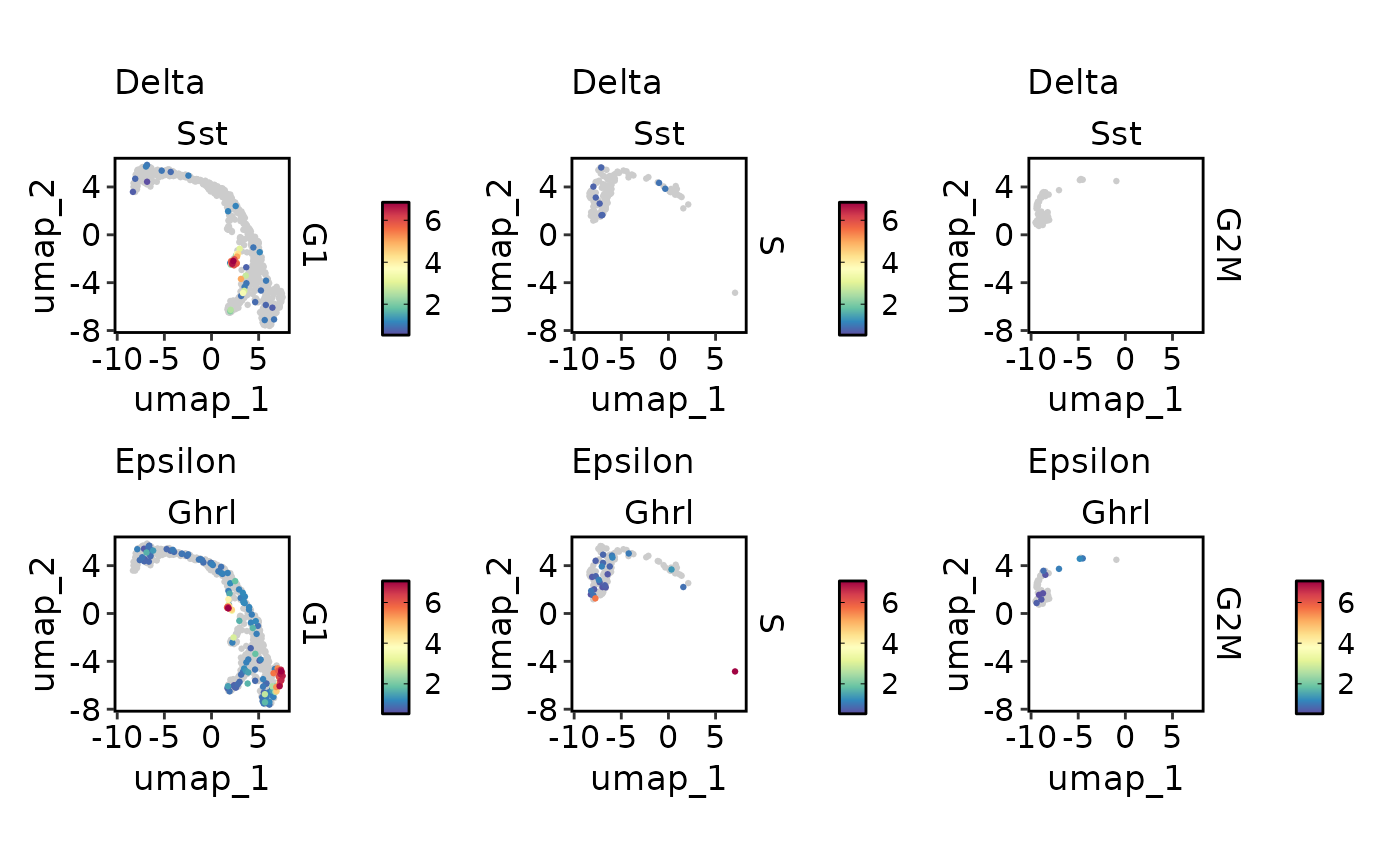 FeatureDimPlot(
pancreas_sub,
c("Delta" = "Sst", "Epsilon" = "Ghrl"),
split.by = "Phase",
reduction = "UMAP",
keep_scale = "feature"
)
FeatureDimPlot(
pancreas_sub,
c("Delta" = "Sst", "Epsilon" = "Ghrl"),
split.by = "Phase",
reduction = "UMAP",
keep_scale = "feature"
)
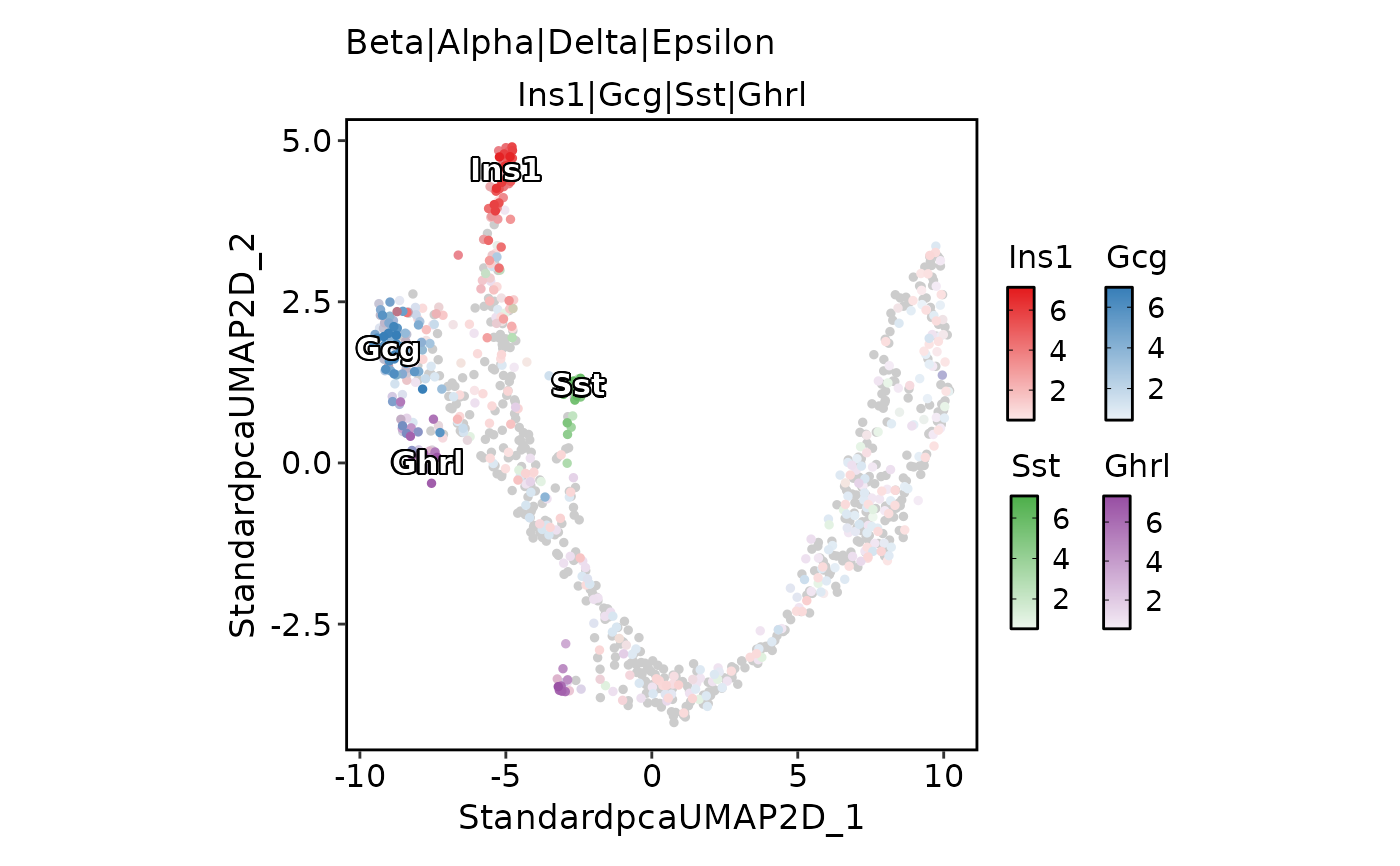 # Plot multiple features on one picture
FeatureDimPlot(
pancreas_sub,
features = endocrine_markers,
pt.size = 1,
compare_features = TRUE,
color_blend_mode = "blend",
label = TRUE
)
# Plot multiple features on one picture
FeatureDimPlot(
pancreas_sub,
features = endocrine_markers,
pt.size = 1,
compare_features = TRUE,
color_blend_mode = "blend",
label = TRUE
)
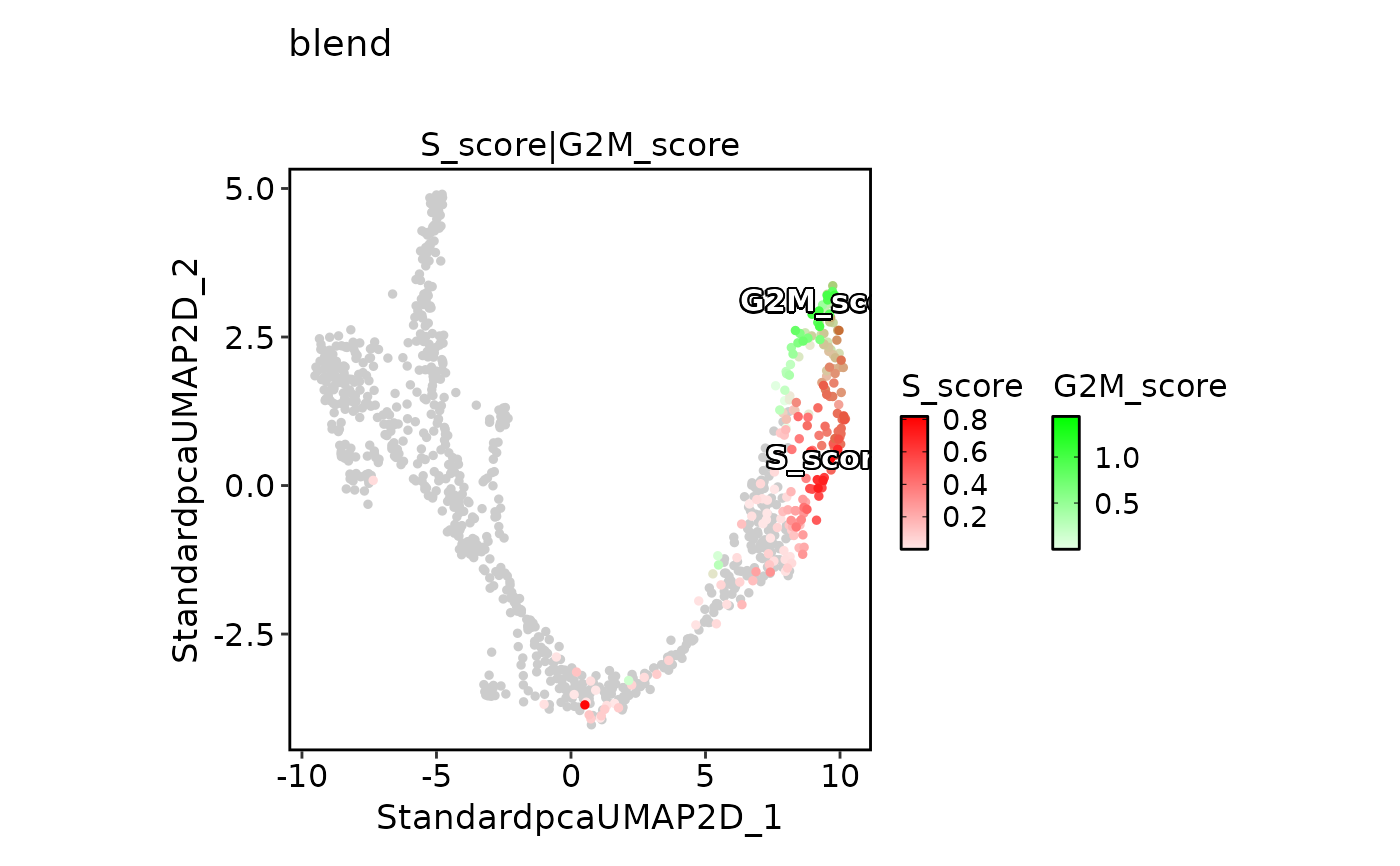 FeatureDimPlot(
pancreas_sub,
features = c("S_score", "G2M_score"),
pt.size = 1,
palcolor = c("red", "green"),
compare_features = TRUE,
color_blend_mode = "blend",
title = "blend",
label = TRUE
)
FeatureDimPlot(
pancreas_sub,
features = c("S_score", "G2M_score"),
pt.size = 1,
palcolor = c("red", "green"),
compare_features = TRUE,
color_blend_mode = "blend",
title = "blend",
label = TRUE
)
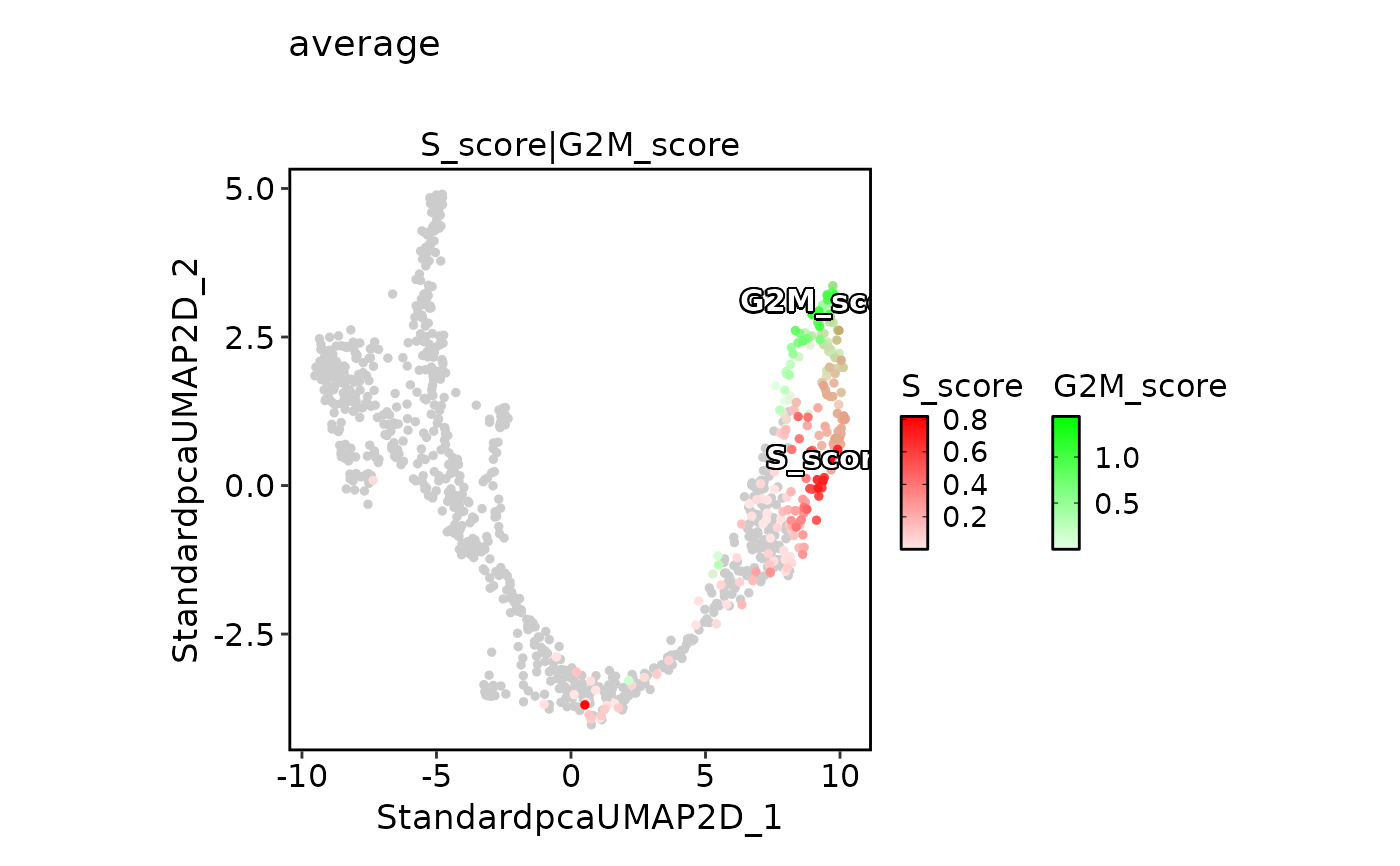 FeatureDimPlot(
pancreas_sub,
features = c("S_score", "G2M_score"),
pt.size = 1,
palcolor = c("red", "green"),
compare_features = TRUE,
color_blend_mode = "average",
title = "average",
label = TRUE
)
FeatureDimPlot(
pancreas_sub,
features = c("S_score", "G2M_score"),
pt.size = 1,
palcolor = c("red", "green"),
compare_features = TRUE,
color_blend_mode = "average",
title = "average",
label = TRUE
)
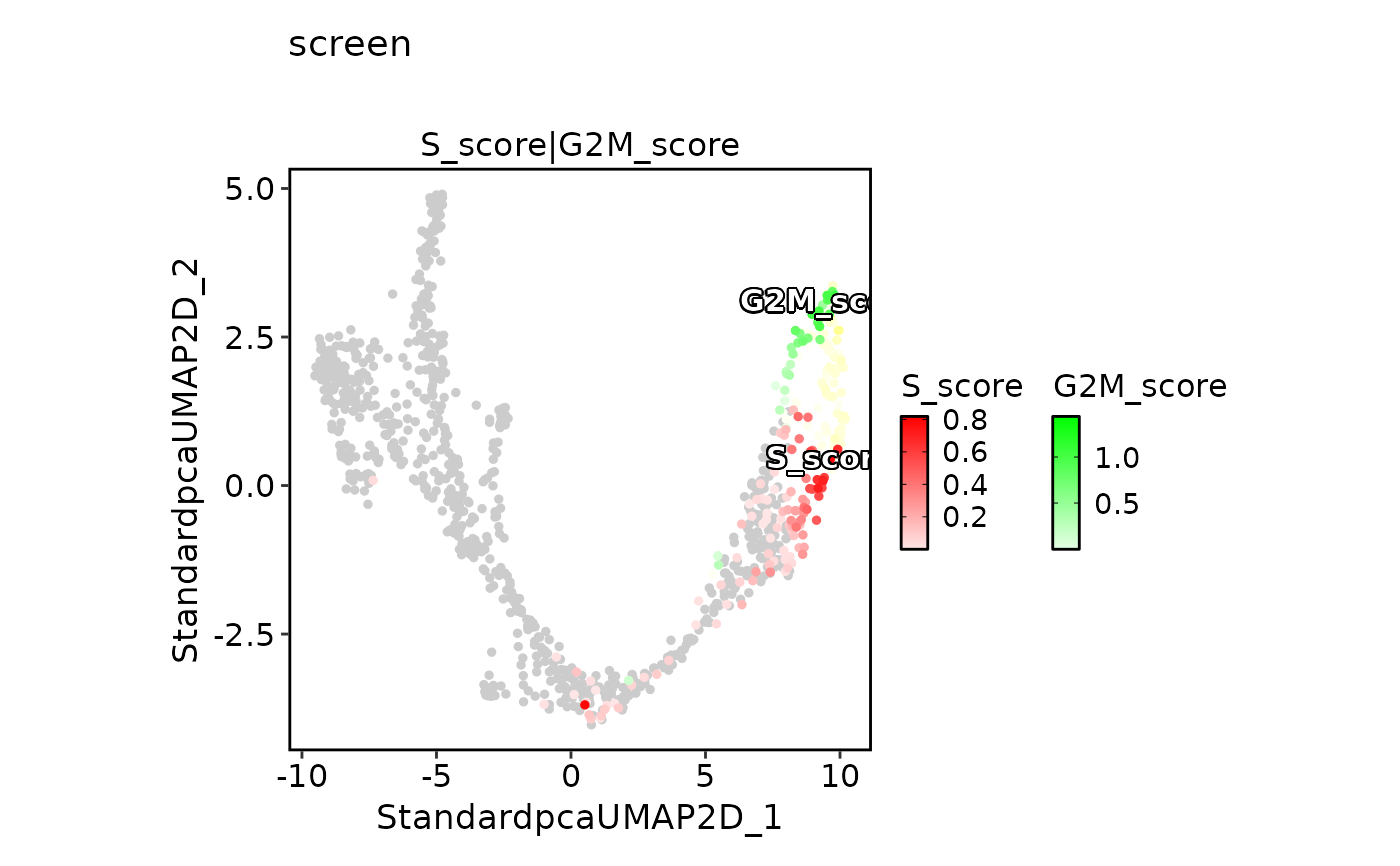 FeatureDimPlot(
pancreas_sub,
features = c("S_score", "G2M_score"),
pt.size = 1,
palcolor = c("red", "green"),
compare_features = TRUE,
color_blend_mode = "screen",
title = "screen",
label = TRUE
)
FeatureDimPlot(
pancreas_sub,
features = c("S_score", "G2M_score"),
pt.size = 1,
palcolor = c("red", "green"),
compare_features = TRUE,
color_blend_mode = "screen",
title = "screen",
label = TRUE
)
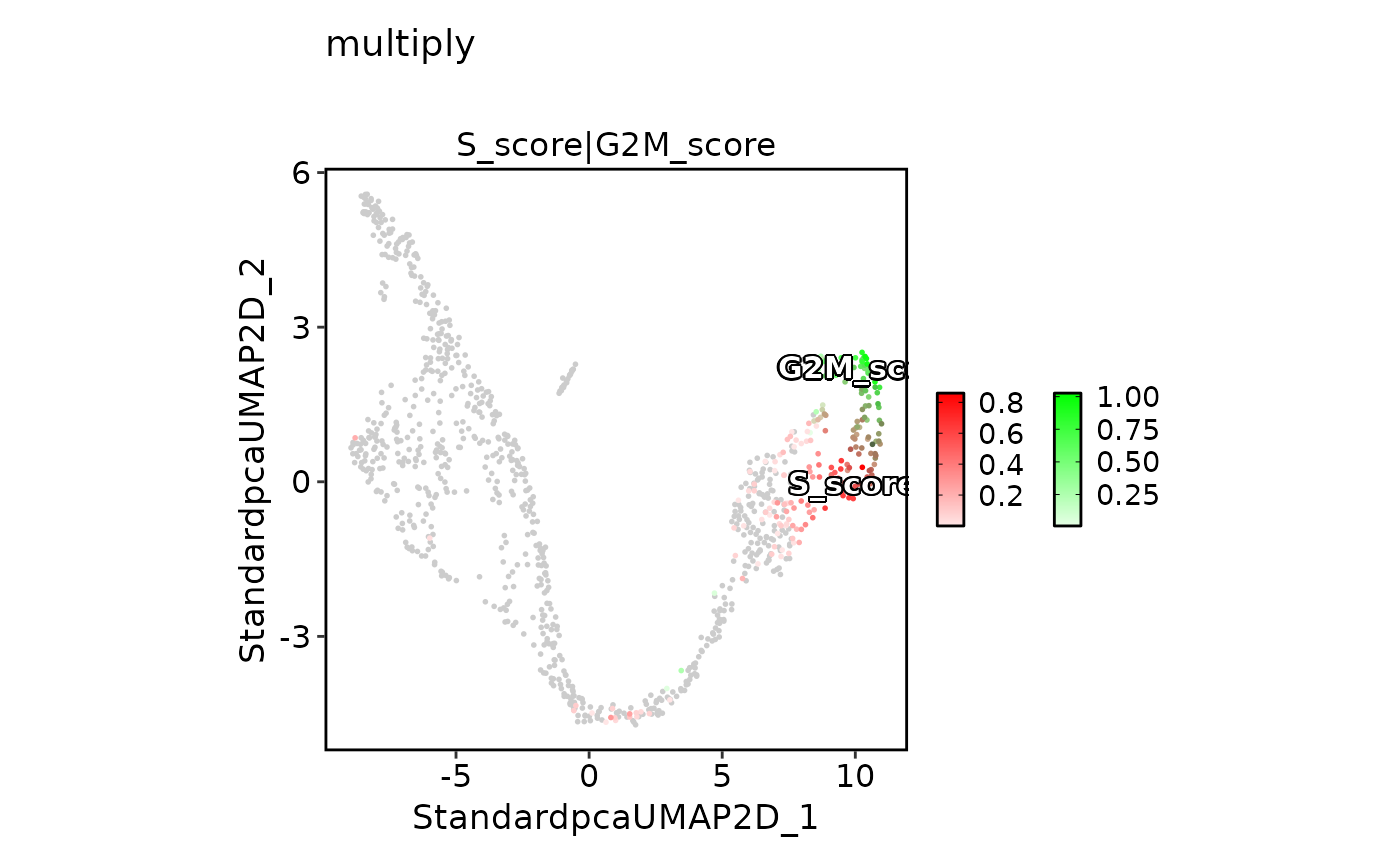
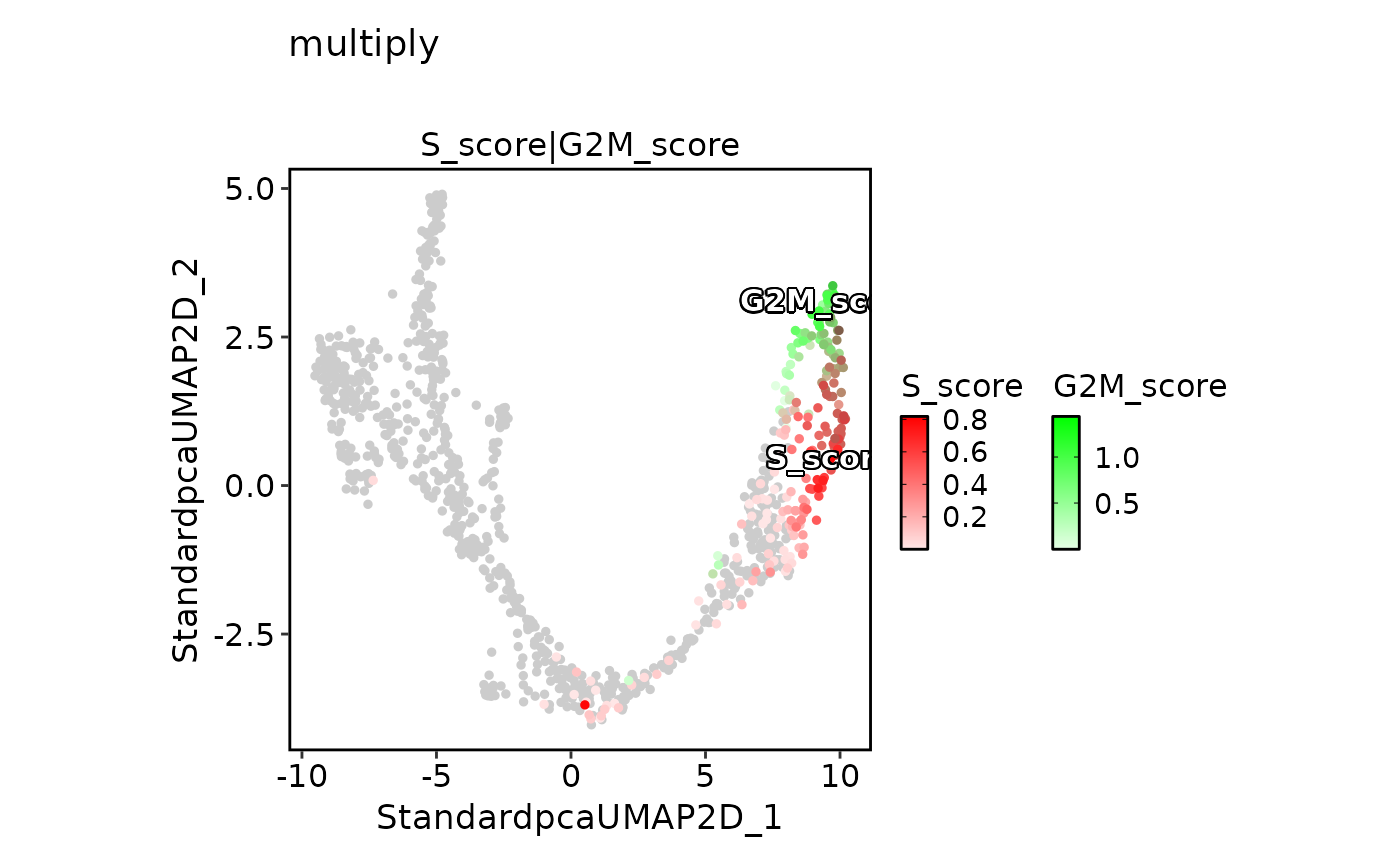 FeatureDimPlot(
pancreas_sub,
features = c("S_score", "G2M_score"),
pt.size = 1,
palcolor = c("red", "green"),
compare_features = TRUE,
color_blend_mode = "multiply",
title = "multiply",
label = TRUE
)
FeatureDimPlot(
pancreas_sub,
features = c("S_score", "G2M_score"),
pt.size = 1,
palcolor = c("red", "green"),
compare_features = TRUE,
color_blend_mode = "multiply",
title = "multiply",
label = TRUE
)